

EFFORTLESS CONTROL, UNMATCHED POWER.


Supports Multiple Formats

Easy Filtering
Quickly sort and find files by type in the Files app, or filter them by color, date, location, and other metadata.

Shared Folders
Share files effortlessly with family or team members for seamless collaboration and easy access.

External Sharing
Generate shareable links and access codes so external users can view, download, and comment online.

Cloud Storage Mounting
Mount cloud services like Google Drive, Dropbox, and OneDrive to access your cloud files instantly.
Multi-Device Data Sync

Remote Access

Multiple RAID Modes

Permission Management

App Store

Docker Support

Your Media Center
Offers apps for Photos, Movies, and Surveillance Cameras to cover all your entertainment and security needs.


Photos
Supports previewing and downloading RAW images from different brands, automatically organizes photos by scenes and details like time, people, and location, and lets you create and manage personal albums and custom collections—making it simple to organize and share your favorite moments.


Film
Easily manage your video collection with a movie poster wall. Quickly find movies using smart filters like title, actors, and more. Supports all common video formats. Automatically groups movies by series to make binge-watching easier.


Surveillance Management
Surveillance Management is a lightweight NAS-based video surveillance app that integrates seamlessly with IP cameras supporting ONVIF, RTSP, and Samba protocols, enabling live preview, scheduled recording, and motion-triggered capture.
And so much more

Settings
Perform fundamental configurations and operations on the NAS, including management of storage pools, user permissions, hardware settings, file services, remote access, system updates and more.

Help
Access detailed usage instructions for each app and explore additional case studies, troubleshooting tips, and related resources.

Virtual Machines
Run multiple operating systems, including Linux, Windows, and others, within virtual machines. Manage virtual resources such as allocated memory, image libraries, and network modes. Please note: Due to hardware limitations, running virtual machines on the standard D4 and D6 models may impact performance. For optimal results, we recommend using the D6 Ultra or D8 Ultra models

Backup
Automatically sync and back up files in a timely manner. Support data sync across multiple devices, enabling consistent data across NAS, computers, and file servers. Scheduled tasks allow users to customize and manage various backup operations according to their needs.

Resource Monitor
View and track resource usage of various services and processes, including CPU usage and temperature, memory consumption, network status, hard drive status, and fan speed.

Task
Records data operations such as uploads, downloads, and decompression, enabling easy management and viewing of all tasks. Provides real-time updates on task progress, completion status, and notifications.

Creator Studio
Creator Studio combines many essential tools—Storyboard, Plan, and Call Sheet—into a single app. All tools are available free of charge for your convenience.

Cocard
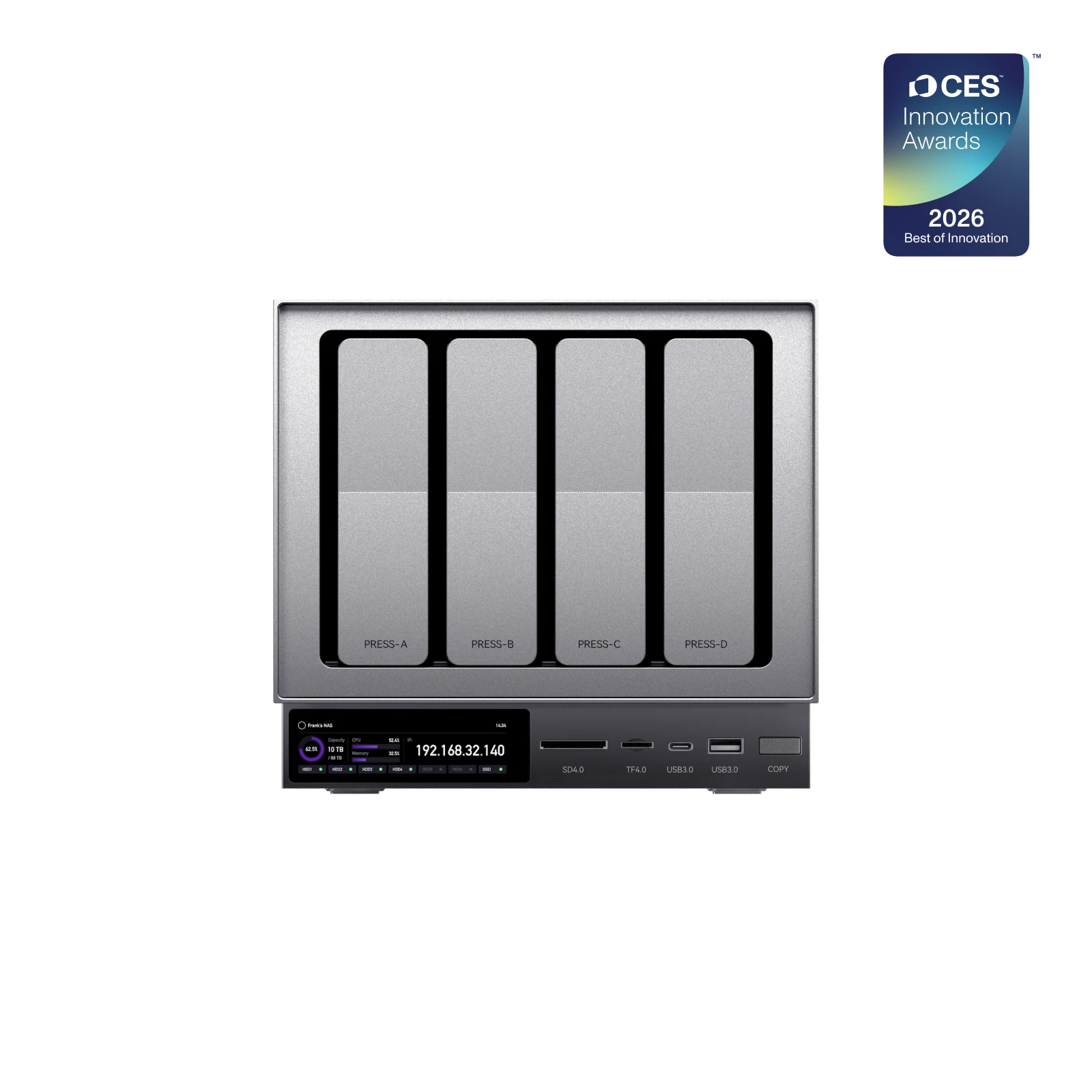
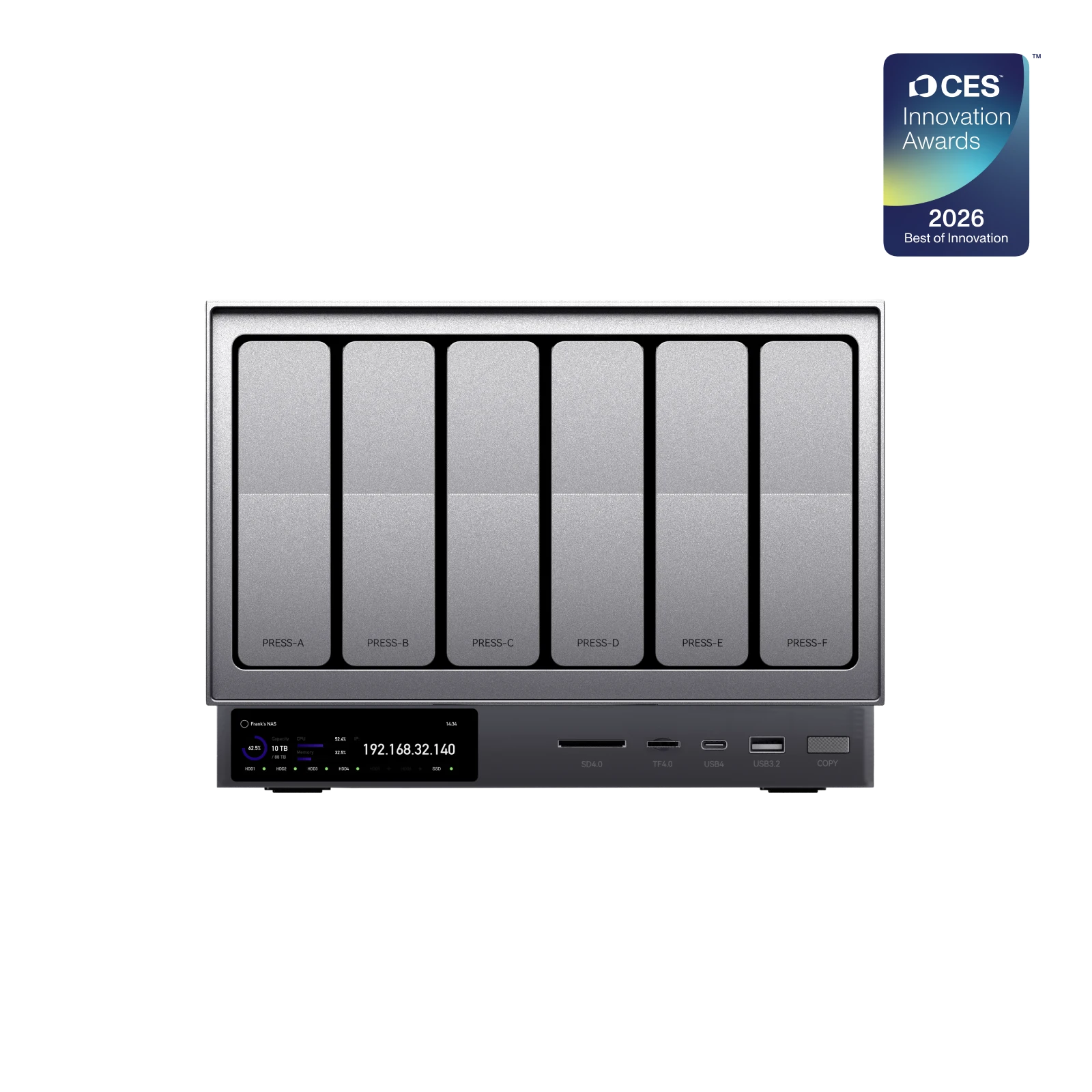
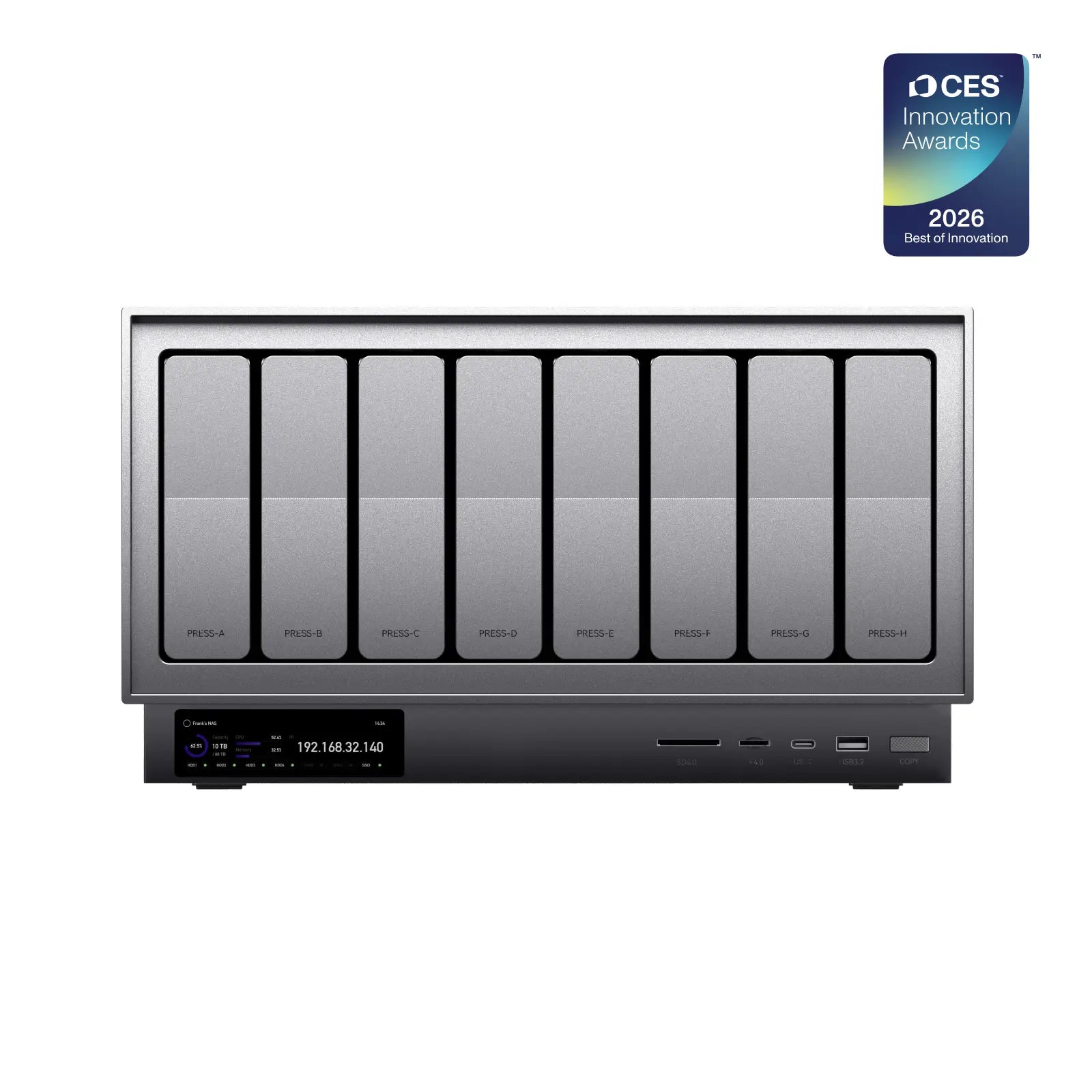
Set up manual or automatic card copying tasks, then connect an external storage and press the COPY button to quickly transfer data to the NAS. It also supports functions such as data verification, transcoding, and uploading to the cloud.

Zettlab App
Download Zettlab App and try it now!


