




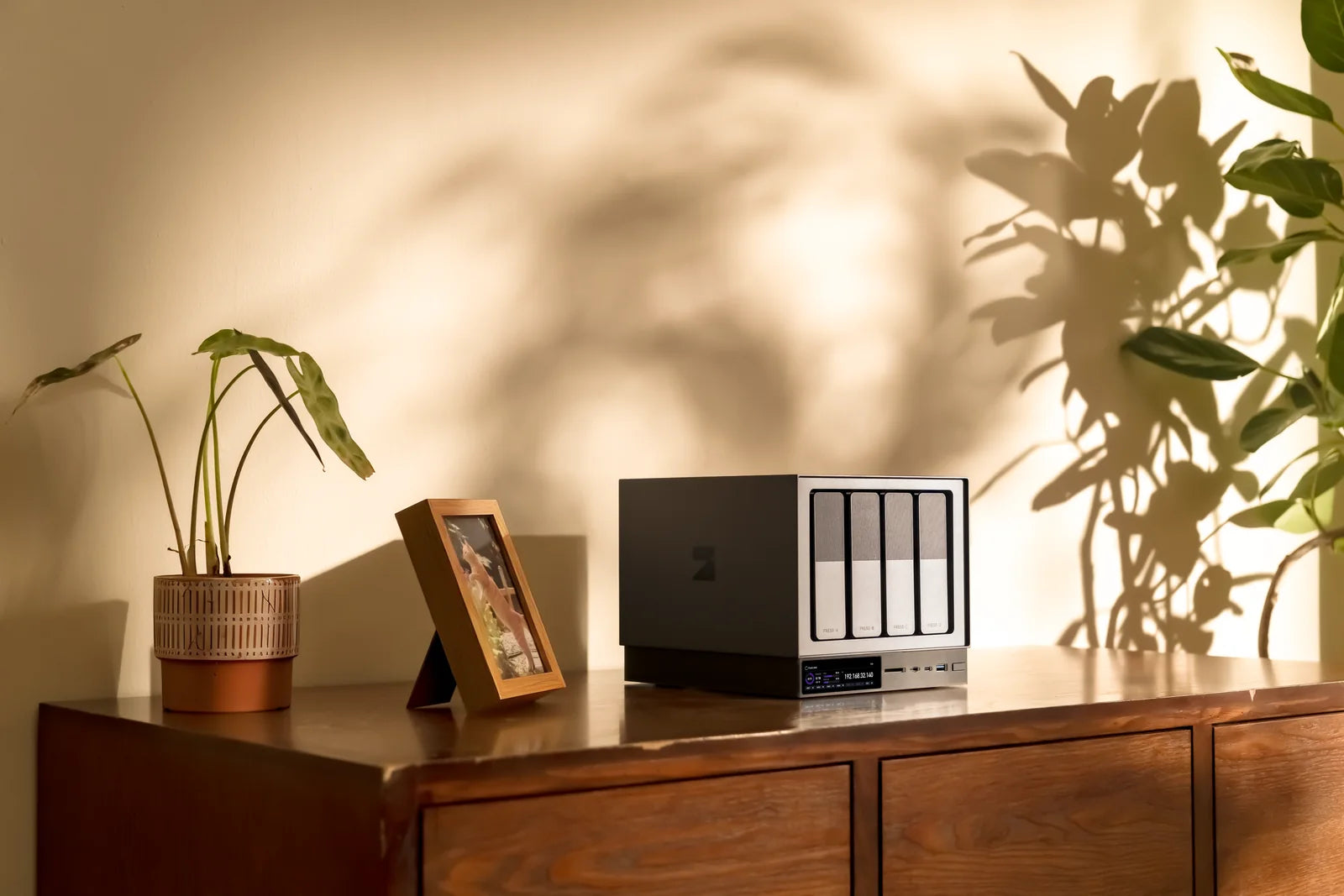
What is the 3-2-1 backup rule?
Keep three copies of important files on two different types of storage, with one copy offsite. That gives you more options if a drive fails or files are lost. Regular restore tests help you check that the copies work; an offline or immutable copy can add protection against unwanted changes.
If the NAS holds the main archive, a second folder on the same array does not count as independent protection. A second device and another location help avoid a shared point of failure. Choose storage and access arrangements that address your risks, including correlated hardware failure and compromised accounts.
Why RAID is not a backup
Depending on the supported RAID mode and configuration, an array may continue operating after certain drive failures. It can also mirror an accidental deletion immediately. A fire or theft can affect every drive in the enclosure at once.
Snapshots and version history can help recover some changes when available and correctly configured. You will still need a separate backup if the NAS is lost or an administrator account is compromised. Check which snapshot and backup-protection features your ZettOS version supports before including them in your plan.
A practical shoot-to-archive routine
-
Import files before erasing the card
Import the card and verify representative images, file counts and, where possible, checksums. Keep the card while independent copies are being created.
-
Back up the complete project
Include RAW files, edited masters, catalogs, sidecars and delivery assets. A folder of exports cannot recreate your full edit.
-
Create a copy outside the building
Use your chosen compatible backup software and offsite target, or securely rotate another storage device. Check encryption, retention, recovery costs and who can access the copy.
-
Test a restore
Restore a sample project into a new location. Open a RAW file and an edited master; check that catalog references and sidecars work. Record the date and result.
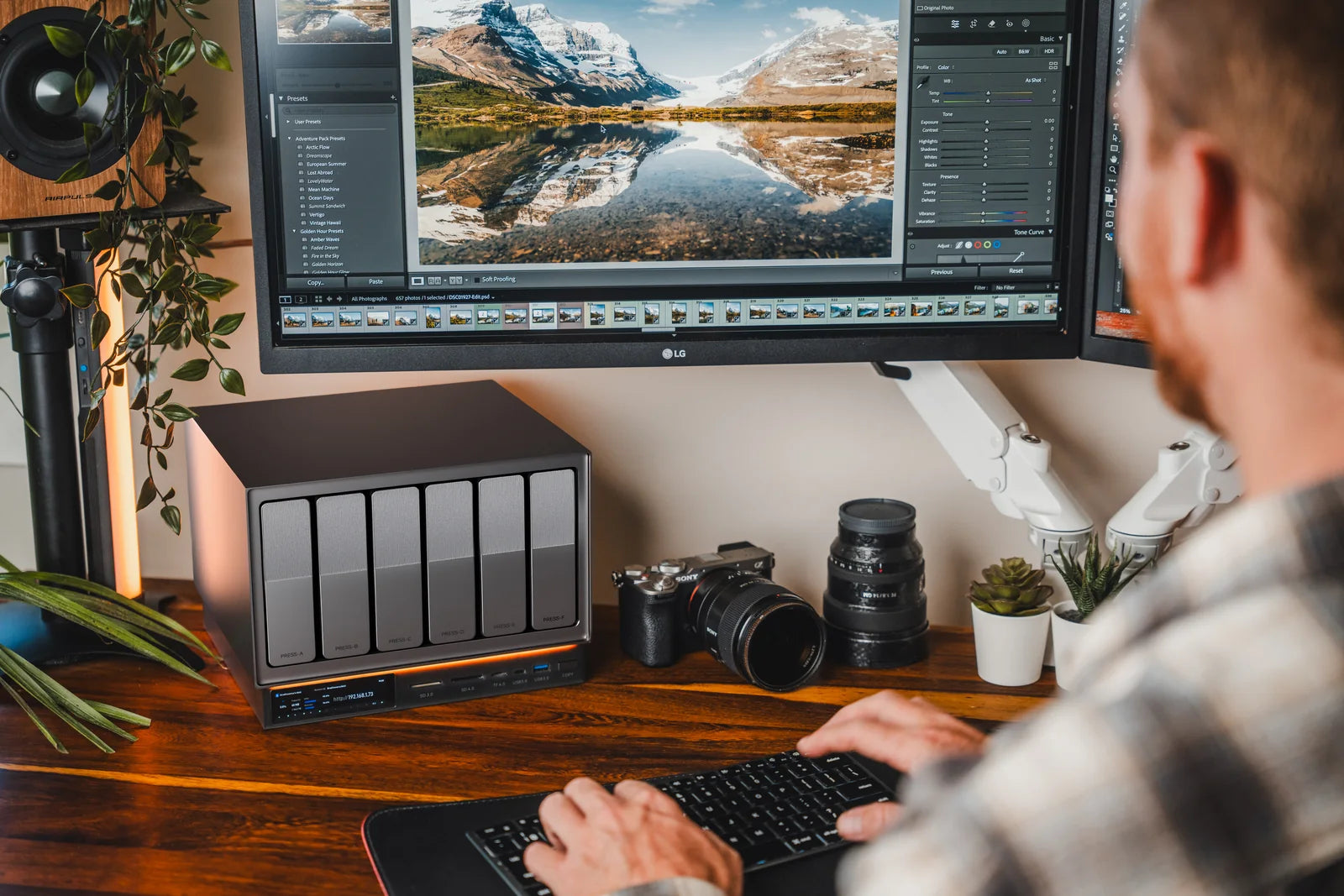
Decide how much work you can afford to lose
Ask two questions: how much recent work can you afford to lose, and how long can you wait to work again? An offsite copy made once a month may leave a month of work exposed. Downloading a multi-terabyte archive over a slow connection can take much longer than recovering a single project.
Set a copying schedule that fits the value of your work. Add a calendar reminder to inspect failures, review free space and repeat a restore test after changing software or storage layouts.
Where Zettlab fits
D4 and D6 provide SD/microSD card imports, 2.5GbE networking and local AI search. Check supported RAID modes for your exact model and software version. These features can make a NAS useful as the main archive or one backup target. You still need to select compatible drives and verify how your chosen backup application accesses the NAS.
Check that your chosen backup software and offsite storage service work with the NAS. Review the security and recovery options for each service you use, and keep recovery credentials stored securely outside the NAS.
Prepare the NAS, then prove the recovery path
Start with first boot and login guide and model-specific hardware compatibility notes. Creating a pool and copying files do not establish a backup job. Verify the current application, destination, authentication, schedule, retention and actual recovery method before depending on it.
For photo applications, preserve originals and any database, sidecars, configuration or keys needed to rebuild the library. The backup and application candidate directory is a starting point for verification, not built-in ZettOS integrations. The Immich workflow sample describes an external Linux host, local SSD database and small web upload. Select a release and validate that topology before relying on it.
AI learning is separate: check enabling AI and supported learning formats. Searchability does not establish an independent, restorable copy.
Product details and sources
Product details are based on the D4/D6 product page and hardware specifications reviewed 4 November 2026. Copy reviewed 12 November 2026. No independent hardware benchmark is reported. Confirm current configurations, compatibility, availability and purchase conditions on the official pages.
Frequently asked questions
Do two drives in a mirror count as two backups?
No. They belong to the same array and share many risks. Maintain separate copies beyond that array.
How do I know a backup works?
Restore a sample project to a separate location and open the files in the applications you use. A successful backup log is useful, but opening restored files confirms that you can use them.
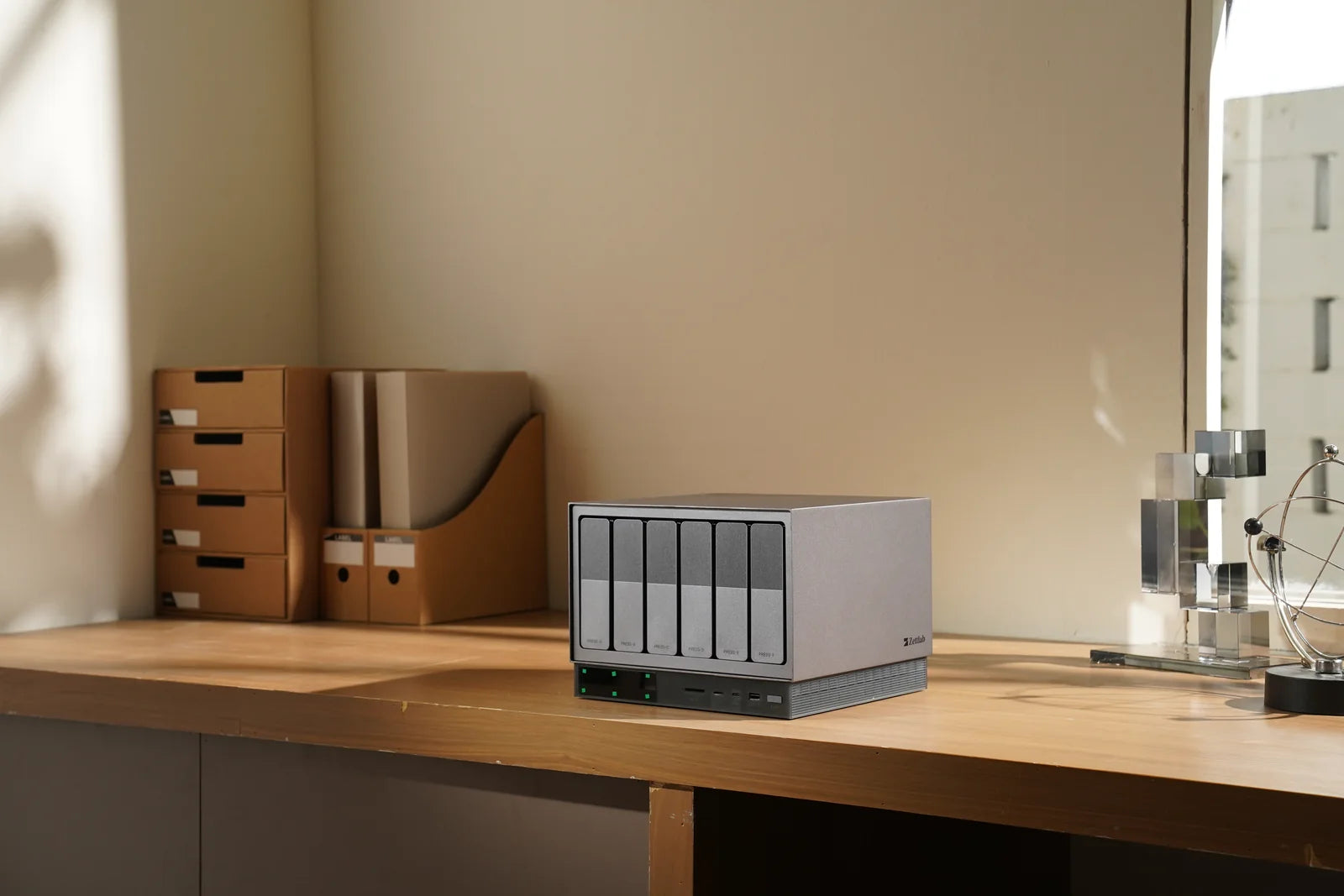
For Home
NAS Backup and Restore: Prove You Can Recover
Read the guide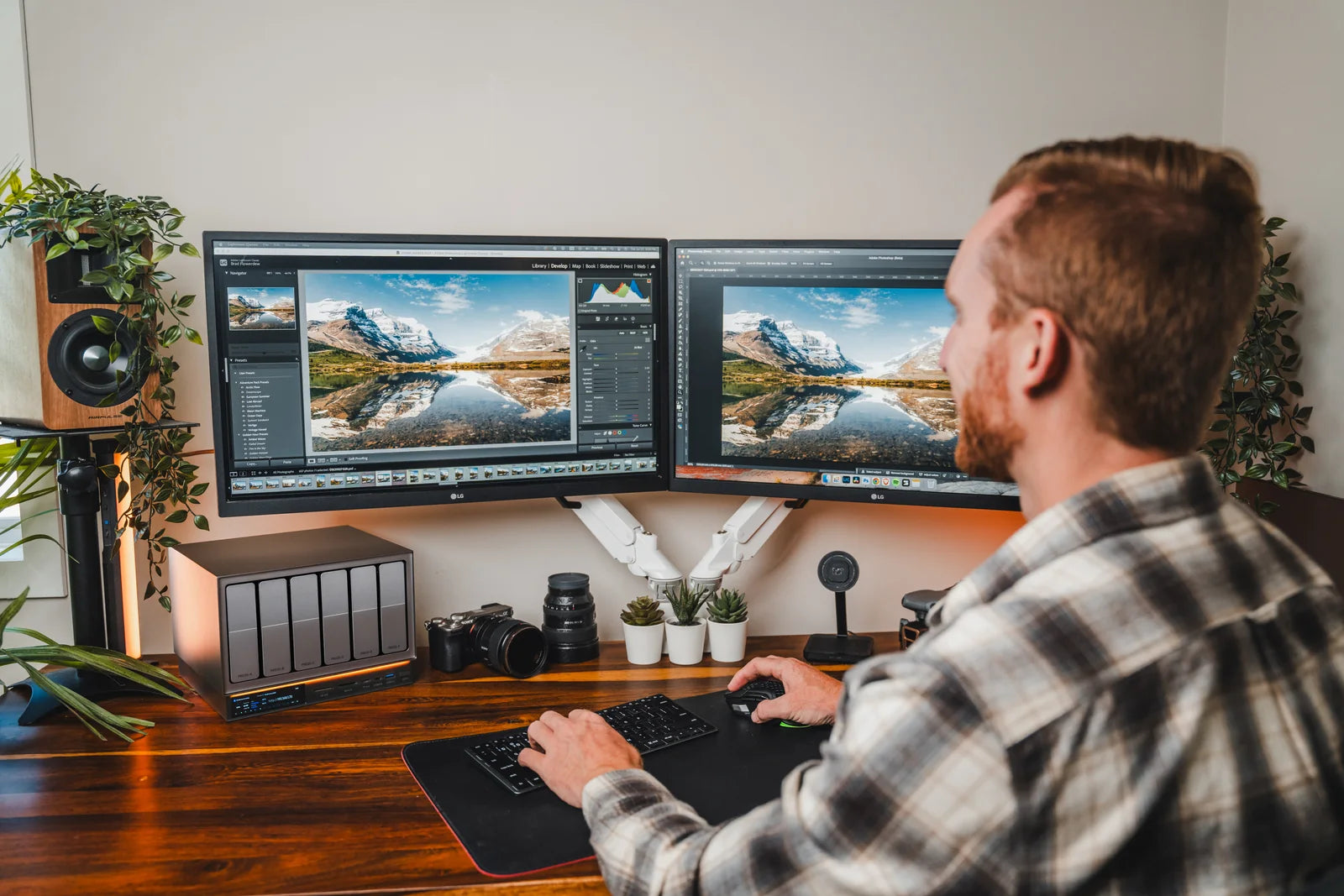
For Photographers