






Local support summary. Based on the official Compatibility Notes guide, reviewed 6 November 2026. Summary prepared 12 November 2026.
Use the current component records for the exact model, revision and firmware. This summary does not reproduce the component table.
Start with the correct hardware family
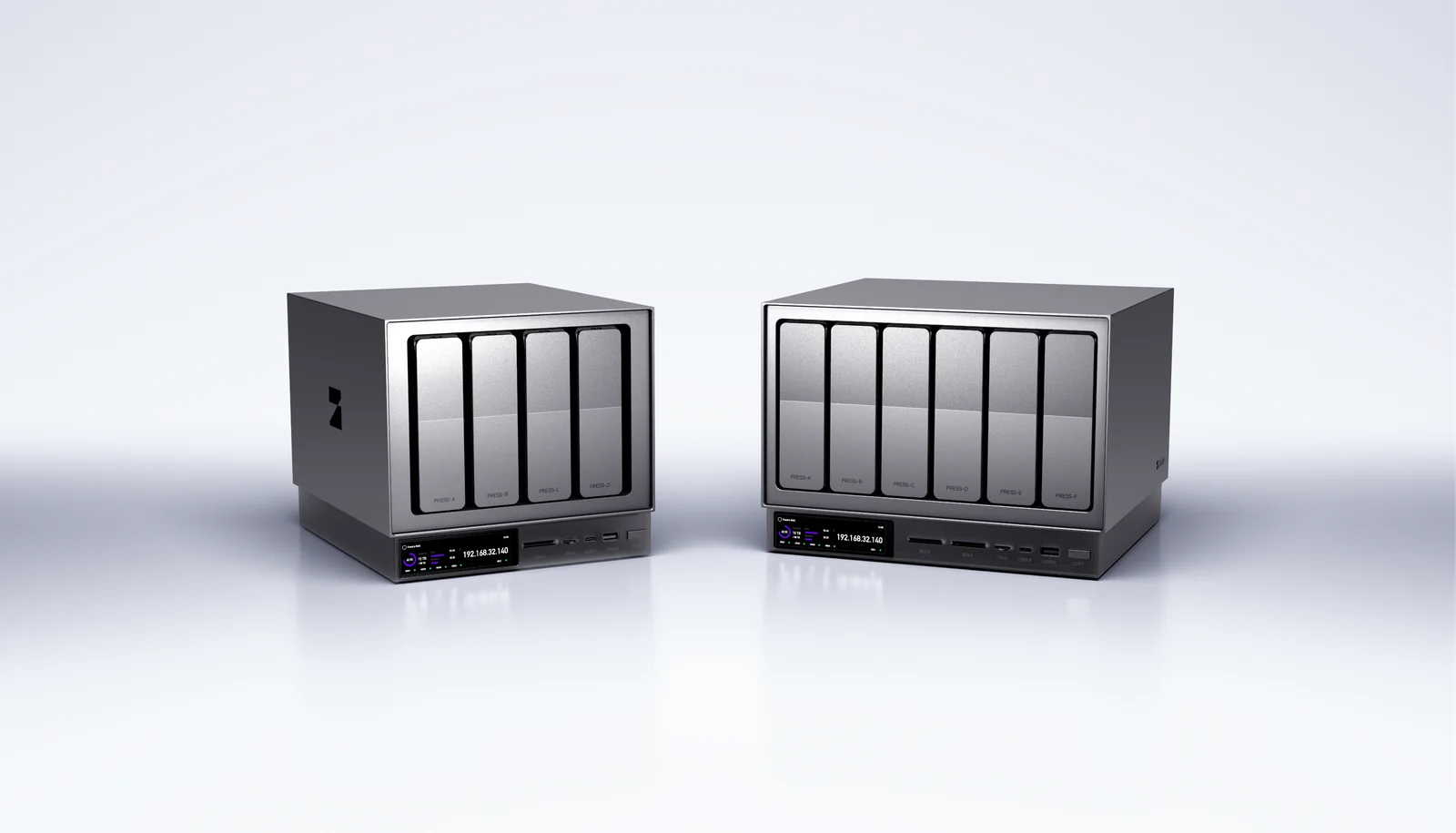
The official notes reviewed on 6 November grouped components by the D4/D6 and D6 Ultra/D8 Ultra families, with categories including HDD/SATA SSD, M.2 and DDR5. Do not read a DDR5 category as proof that standard D4/D6 memory is upgradeable, or assume a component listed for Ultra also applies to a standard model.
Compare the full manufacturer model identifier, capacity and protocol. Similar retail names can conceal different revisions. Keep the NAS model, installed software or firmware version and intended component model together when asking about a purchase.
Read an entry as a record
The reviewed page described hardware detected or used in actual devices. It also explained that behavior can vary with hardware revision, firmware and component combinations. That is useful evidence, not universal certification for every unit, array or workload. A missing entry likewise does not by itself prove incompatibility.
The source specifically advised against SMR drives for a storage pool or RAID. Check recording technology with the drive manufacturer rather than inferring it from capacity or brand. Confirm supported RAID modes, replacement rules and expansion behavior for the intended layout before ordering.
Separate storage, workload and recovery checks
-
Identify the parts
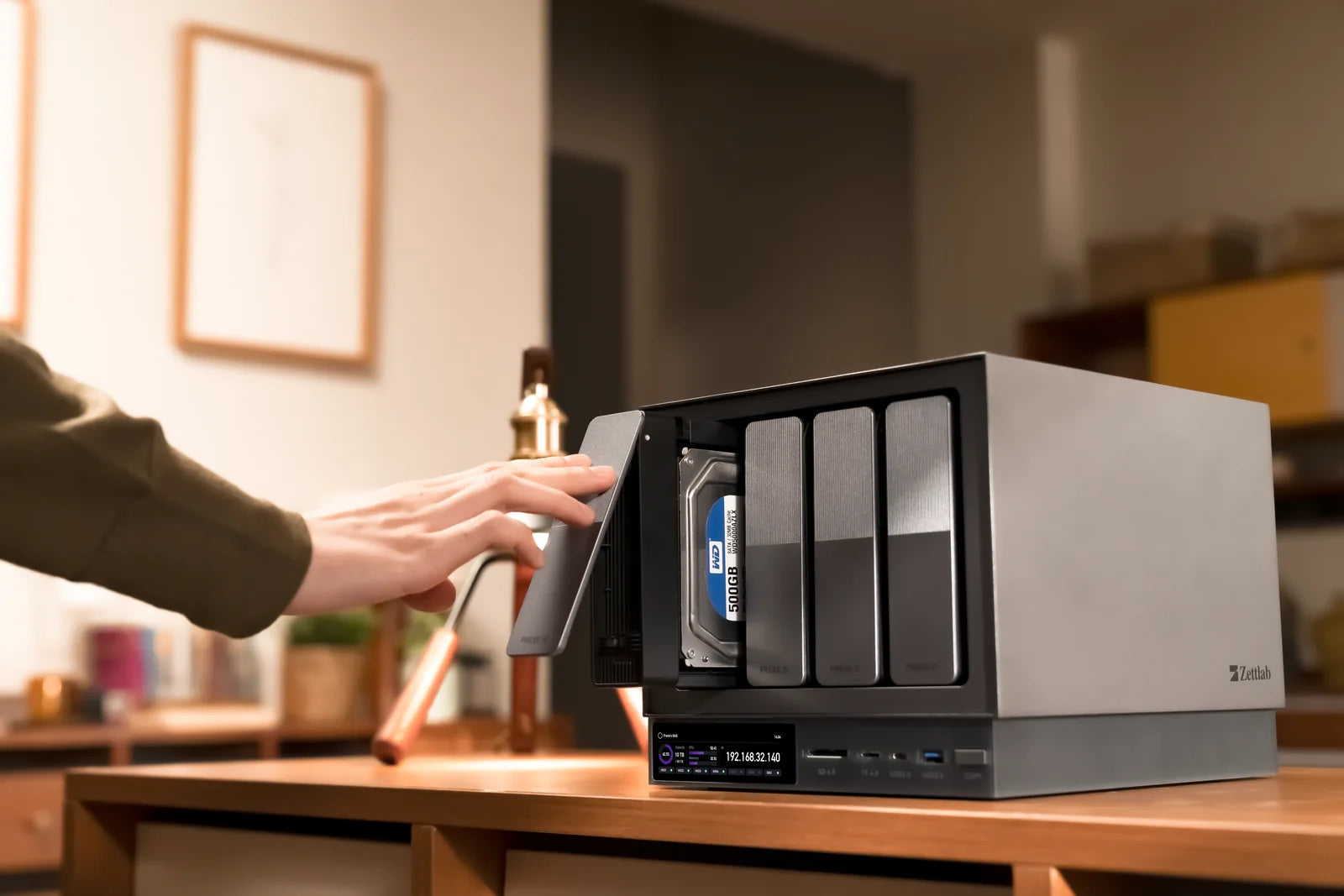
Record the enclosure family, full drive model, capacity, interface and relevant firmware. Consult the current official record instead of copying a historical list.
-
Plan usable capacity
Use the RAID capacity calculator and D4/D6 comparison as planning aids. A generic formula does not establish product support for its RAID mode.
-
Protect the first import
Keep originals and an independent backup while testing. A recognized drive or healthy pool does not demonstrate that backup, restore or an application workload works.
Container architecture, ML, transcoding and attached devices require separate checks. application deployment requirements presents candidates and validation status; hardware records are not blanket application compatibility. For an ambiguous combination, use Contact with exact details before relying on it.
Capacity & RAID
RAID Capacity Calculator
Read the guideBasics