






Identify the AI task you need
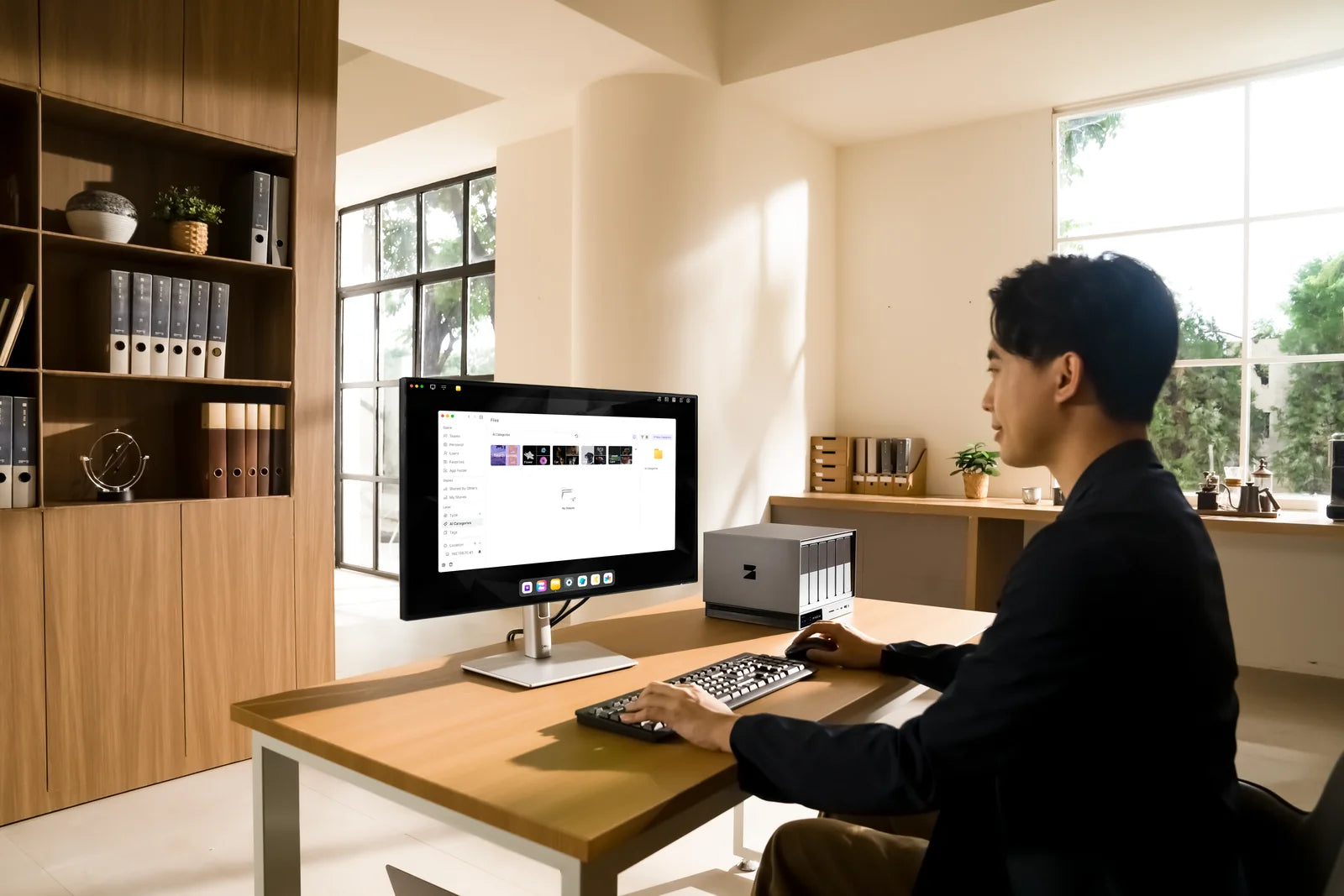
Start with what an AI NAS can do for your files: explore practical photo, project and document tasks, then return here for the definition and model choices.
AI NAS is not one standardized hardware specification. The label can describe photo recognition, natural-language file search, document questions, a model service, or a combination of these. Two products can use the same label while handling very different workloads.
For a large archive, finding a remembered image or relevant document may be more valuable than generating text quickly. For model experimentation, memory, processor support and acceleration may be the deciding factors. Treat these as different requirements before comparing devices.
| Capability | What happens | Questions to ask |
|---|---|---|
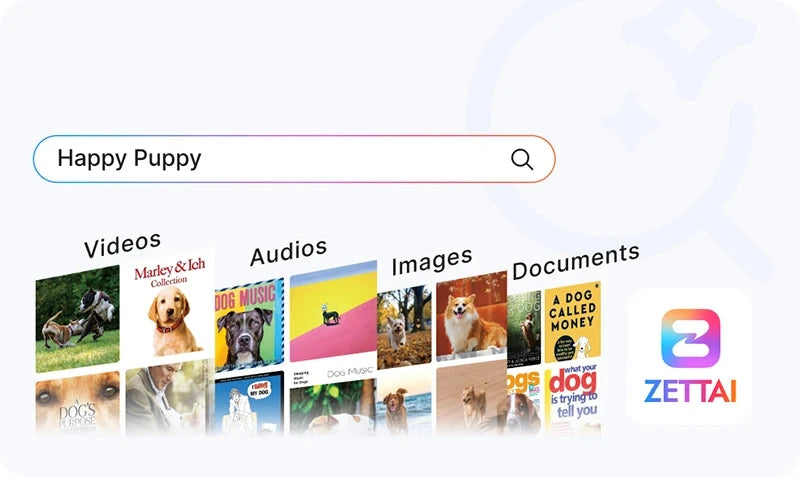
| File or semantic search | Selected files are processed into a searchable representation. | Which formats, folders and languages? When does processing finish? |
| Photo analysis | Supported images may be classified or matched using supported features. | Are original formats supported? Are results accurate enough for the task? |
| Document questions | A question is answered using a supported retrieval and model workflow. | Where does the model run? Can you inspect the source document? |
| Model inference | A model executes on a particular processor or accelerator. | What model, quantization, memory and actual response performance? |
How does an AI NAS differ from ordinary NAS use?
A NAS provides shared storage over a network. AI-assisted software can add another way to find or work with supported files. The same NAS may offer both kinds of workflow; “AI NAS” does not guarantee a particular processor, model or feature set.
| Task | Basic NAS workflow | AI-assisted workflow | What to check |
|---|---|---|---|
| Keep and share files | Folders, accounts and network access organize the archive. | The archive still needs folders, permissions and independent backups. | Usable capacity, access rights and a recoverable copy. |
| Find a file | Browse folders or use the filename and metadata search available in the selected software. | A supported indexing pipeline may add recognition or natural-language retrieval. | Supported formats, languages, indexing status and search permissions. |
| Ask about a document | Open the original in its application and read it. | A retrieval and model workflow may produce an answer linked to source material. | Where the model runs, source access and the accuracy of the answer. |
| Plan the system | Size storage, network access, backup and maintenance for the task. | Also allow for the actual indexing, database and model workload on the selected host. | Combined resource use, processing location and any separate software or service costs. |
If you mainly need reliable shared files and backup destinations, start with NAS fundamentals. If finding a remembered photo or asking about a supported document is the problem, evaluate that particular AI workflow rather than buying on the label alone.
Separate storage, learning and answering
Saving a file successfully is not proof that AI can interpret it. A NAS can store a camera RAW file, scientific image or video while the AI pipeline supports only certain formats or operations. Files outside the supported learning scope may remain ordinary stored files.
- Enable the applicable feature. Follow the instructions for the exact software release and model.
- Select the learning scope. Decide which files or folders should be processed and who should be allowed to search them.
- Wait for a known state. A copied file may not be indexed immediately. Check the documented learning status and any error rather than repeatedly uploading it.
- Test a representative query. Use a file whose contents you know and confirm that the result points to the intended original.
- Inspect a miss. If a file is absent, examine format support, scope, permissions and learning status. A missed query is useful information about the workflow's boundary.
For ZettAI, consult AI activation and settings and the learning scope, formats and status documentation. Evaluate the documented features with a small sample of your own files; no target-device test is reported here.
Keep the Zettlab model distinctions visible
Published Zettlab materials distinguish the standard D4/D6 from the Ultra line. The standard model material describes AI Q&A with the qualification “via PC Computing Power”; Ultra material separately lists “Local LLM and AI.” These descriptions should not be combined into a claim that every model independently runs the same local language-model workload.
Before choosing a device for questions or inference, confirm the current software, the required PC or other computing host, the connection path, supported models and any network dependency. The product wording alone does not establish where every processing stage runs.
The standard-model specifications, Ultra information and status and ZettOS overview provide the relevant product routes. A third-party interface such as Open WebUI can connect to a model running elsewhere; displaying that interface on a NAS does not create GPU capacity.
Ask what “local” covers
Local file storage, local indexing and local inference are separate properties. A workflow may keep originals on your NAS while using another computer for processing or an external service for an optional feature. Identify which content, metadata, queries and logs move between components.
Check access controls as well. People should not gain search access to private folders merely because they can open a shared application. Confirm documented account behavior, and use a small non-sensitive test set before enabling processing across a family or work archive.
Which AI NAS setup should you choose?
Start with one useful result, then choose the storage and computing arrangement that can produce it. Keep the enclosure, drives, independent backup and any application host in the same purchase plan.
| Your main task | Start with this arrangement | Next decision |
|---|---|---|
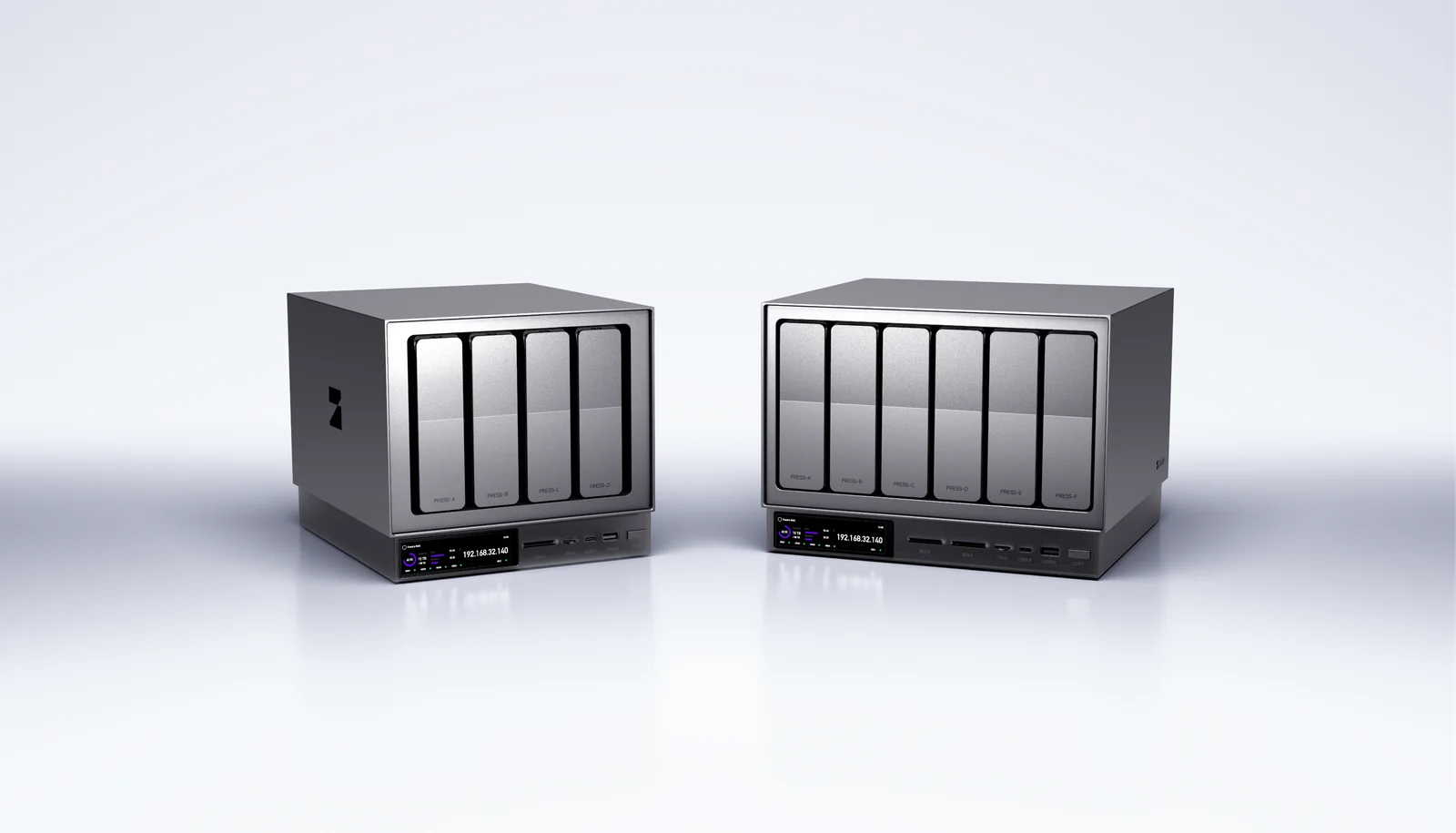
| Shared family files and backups | A NAS with the capacity, accounts and backup workflow you need; AI is optional. | Compare four and six drive bays |
| Find supported photos and documents | NAS storage plus the verified search and learning features of the selected software. |
Review ZettOS features and learning scope and supported files; test a small representative sample. learning scope and supported files |
| Ask questions using an archive | Storage plus the documented retrieval and model host. Standard D4/D6 Q&A is described with PC computing requirements. |
Check the AI setup requirements before selecting the NAS and the separate computing host. the AI setup requirements |
| Run a model on the appliance | Evaluate the separate Ultra platform and its published local-LLM specifications. |
Review Ultra information, then confirm the exact model, memory, supported software, measured workload and current availability. Review Ultra information |
| Experiment with demanding models | A deliberately sized external computing host with NAS storage or backup where appropriate. |
Check model fit, processor support and actual RAM/VRAM needs; review the external-host reference. review the external-host reference |
For standard storage, compare D4 and its RAM configurations with D6 and its RAM configurations. Choose bays for the archive and growth, then size memory for the combined workload. More bays or a 16GB option alone does not establish an application performance result. Use the model selector to continue the purchase decision.
Frequently asked questions
Does AI search replace folders and backups?
No. An understandable folder structure and preserved originals still matter. Search indexes can be rebuilt or lost, and a model's response is not a recoverable copy of a file. Back up the application data needed to restore the service as well as the archive.
Is an AI NAS a GPU inference server?
It may serve a different purpose. Judge a proposed inference setup by its exact hardware, model and measured workload. A storage-oriented device can be useful for AI-assisted retrieval without meeting a large-model server's performance requirements.
Can an AI answer be wrong?
Yes. Retrieval can miss relevant files and generated answers can misinterpret them. Open the source material before relying on an answer for an important decision.
Basics
What can an AI NAS do for your files?
Read the guideBasics