





What you can do
Run a suitable model on a compute host and give NAS storage a clear role.
Run one identified language model on a measured compute host, then let a NAS archive its configuration or model files independently of the inference workload.
This is a third-party project, with its own host, release, maintenance and license conditions. Its features are separate from ZettOS native software.
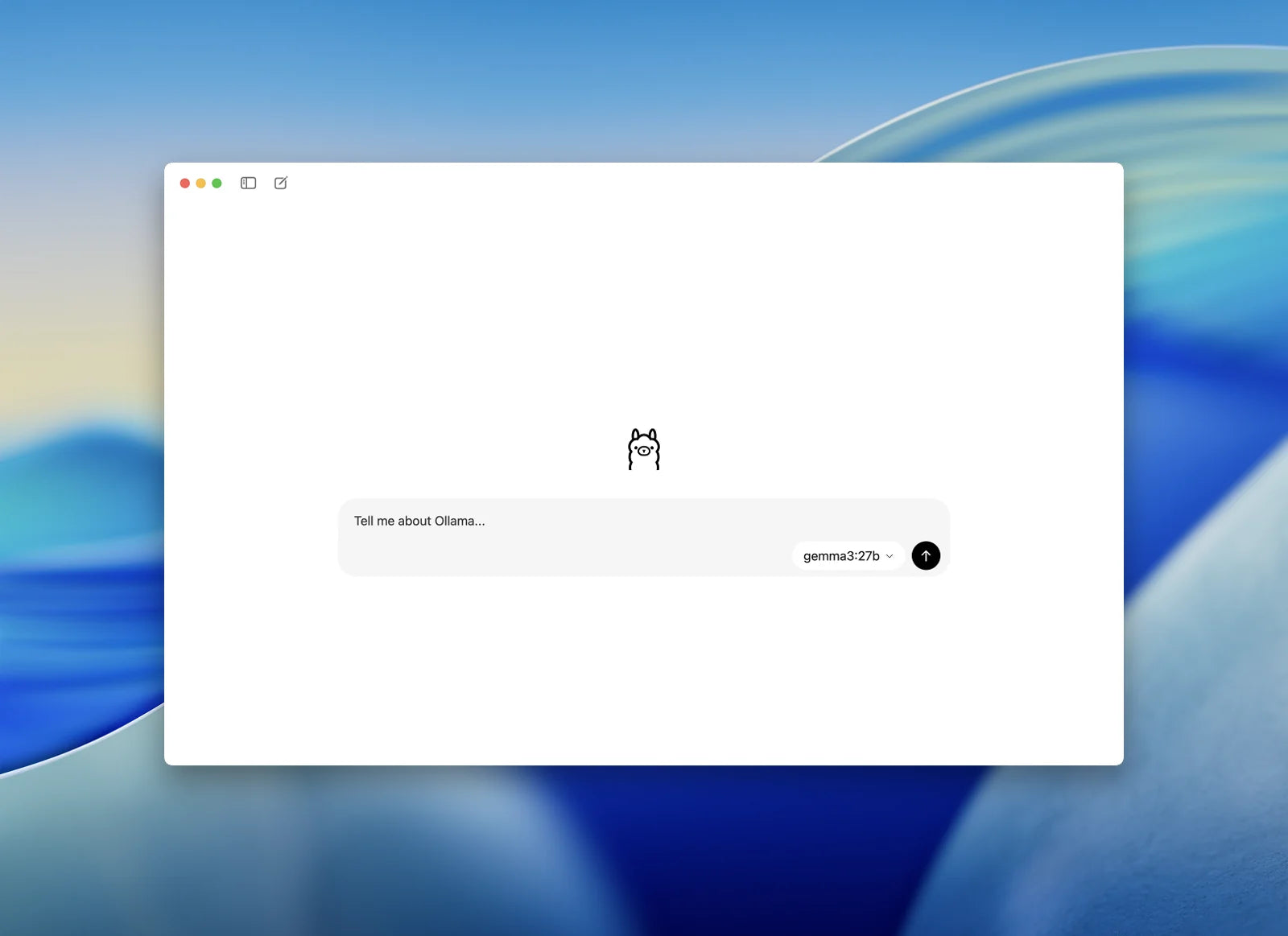
App Center availability and installation route
Checked on 18 November 2026: Zettlab D6 · RK3588 · 16GB RAM · ZettOS 1.14.0. The complete App Center list showed 49 entries. This observation applies to that device and catalog snapshot.
Not observed in the checked App Center. This guide does not provide a confirmed one-click NAS installation. Check the manual or external-host arrangement below against the exact image, release, CPU architecture, runtime, resources and data requirements. Absence from this catalog does not establish that the application is unsupported.
Installation, application operation, hardware acceleration and recovery on this NAS remain untested. Official Linux ARM64 installation.
Choose the host and data paths
- Guide arrangement
- External supported Linux/Windows/macOS compute host; conditional CPU container only after architecture, model-memory and latency checks.
- NAS role
- Provide deliberately chosen model-file storage or backup capacity. The selected model runs on the identified compute host; model size on disk is not a RAM/VRAM fit test.
- Host requirements
- Official Linux instructions include ARM64; Docker documents CPU and specific GPU routes. None of that proves RK3588 NPU, Ultra GPU or a selected NAS driver works with a model.
- Device validation
- Not observed in checked App Center; reference deployment untested. Installation, hardware acceleration and recovery on a Zettlab device have not been tested.

Supported external application host
NAS files / deliberate backup target
Application state + independent copy
This application was not observed in the checked D6 / ZettOS 1.14.0 App Center. The manual or external-host reference below requires its own compatibility checks; this observation does not establish that it is unsupported.
Before you start
- Choose one exact model/tag, record its license and anticipated RAM/VRAM need, and leave resources for the operating system.
- Choose local model storage with adequate free space; Docker persists /root/.ollama. Keep inference storage and a NAS backup copy distinct.
- Decide whether only localhost or one authorized model-UI host should reach port 11434. If the test is specifically downloaded local models only, use the documented OLLAMA_NO_CLOUD=1 setting (or equivalent server configuration), restart and verify the resulting local-only behavior.
Set up and use the reference arrangement
-
Install on the selected compute host
Follow the official native installation or CPU/GPU container route matching the actual host. Add GPU devices/toolkit only when the documented hardware and drivers are present.
-
Fetch one chosen model
Use ollama pull or ollama run with the selected tag, then record its exact model identity and the installed Ollama version.
-
Measure a short known request
Send a short prompt, inspect ollama ps for CPU/GPU placement, and record response behavior, context length, parallelism and memory use on that host. Context length and concurrent requests can raise RAM/VRAM needs; a successful small prompt is not a generic NAS speed or larger-context guarantee.
-
Connect one allowed interface
If Open WebUI is on another machine, deliberately configure the bind address/firewall for that client and use its reachable URL. Do not expose an unauthenticated inference endpoint broadly.
-
Record reconstruction inputs
Save any custom Modelfile, prompts/configuration and model tags/digests. If moving the model directory, set OLLAMA_MODELS and ensure the service user can read/write it.
Check the first useful result
Keep the complete application state
- Docker /root/.ollama or the configured native OLLAMA_MODELS directory.
- Custom Modelfiles, model identity/tag/digest, runtime version and environment/service overrides.
- Any separate client’s chats and documents through that client’s own backup procedure.
Back up and bring it back
- Stop model writes/pulls before copying model storage; save custom model definitions and runtime configuration to an independent destination.
- Reinstall the recorded compatible runtime, restore readable model files or re-pull the recorded model, and restore environment settings.
- List models and repeat the known prompt; compare identity and host resource use. Model cache alone does not recover Open WebUI chats.
Check limits and ongoing work
- A model fitting on disk does not prove it fits in RAM/VRAM or responds fast enough.
- Do not infer GPU/NPU acceleration from processor branding or a UI container.
- Cloud-model options, if enabled, are separate from running a downloaded local model.
Review release notes before updating. Keep the matching configuration and a consistent pre-update recovery set; a database migration may require restoring data with the matching software rather than simply using an older image.
Confirm the project’s current license and the exact free or paid feature boundaries for your intended task. Self-hosting does not make external APIs, cloud destinations or separate compute free.
Choose your NAS configuration
Choose D4 or D6 by storage capacity, growth and independent-copy needs. The external application host is a separate requirement; selecting 16GB NAS RAM does not supply that host.
- D4 · 4 SATA bays
- Compare a four-drive layout against the current archive, expected growth and independent recovery copy. See the D4.
- D6 · 6 SATA bays
- Compare a six-drive layout when more drive-bay capacity or a different growth plan is useful. More bays do not establish a faster application or network. See the D6.
- 8GB / 16GB RAM
- These are separate SKU choices on each product page. Confirm the selected release’s requirements and combined operating load; no application-specific memory recommendation has been device-tested here.
- Complete system cost
- Enclosures are diskless. Allow for compatible drives, independent backup storage and any external application host, paid features or service/API charges required by the task. Current prices and delivery belong on the product page.
Official references
- Official CPU/GPU Docker paths and persistenceDocumentation read 2026-11-18
- Official Linux ARM64 installationDocumentation read 2026-11-18
- Official model locations and CPU/GPU inspectionDocumentation read 2026-11-18
Basics
Plan an AI Document Workflow with NAS Storage
Read the guide
Basics