




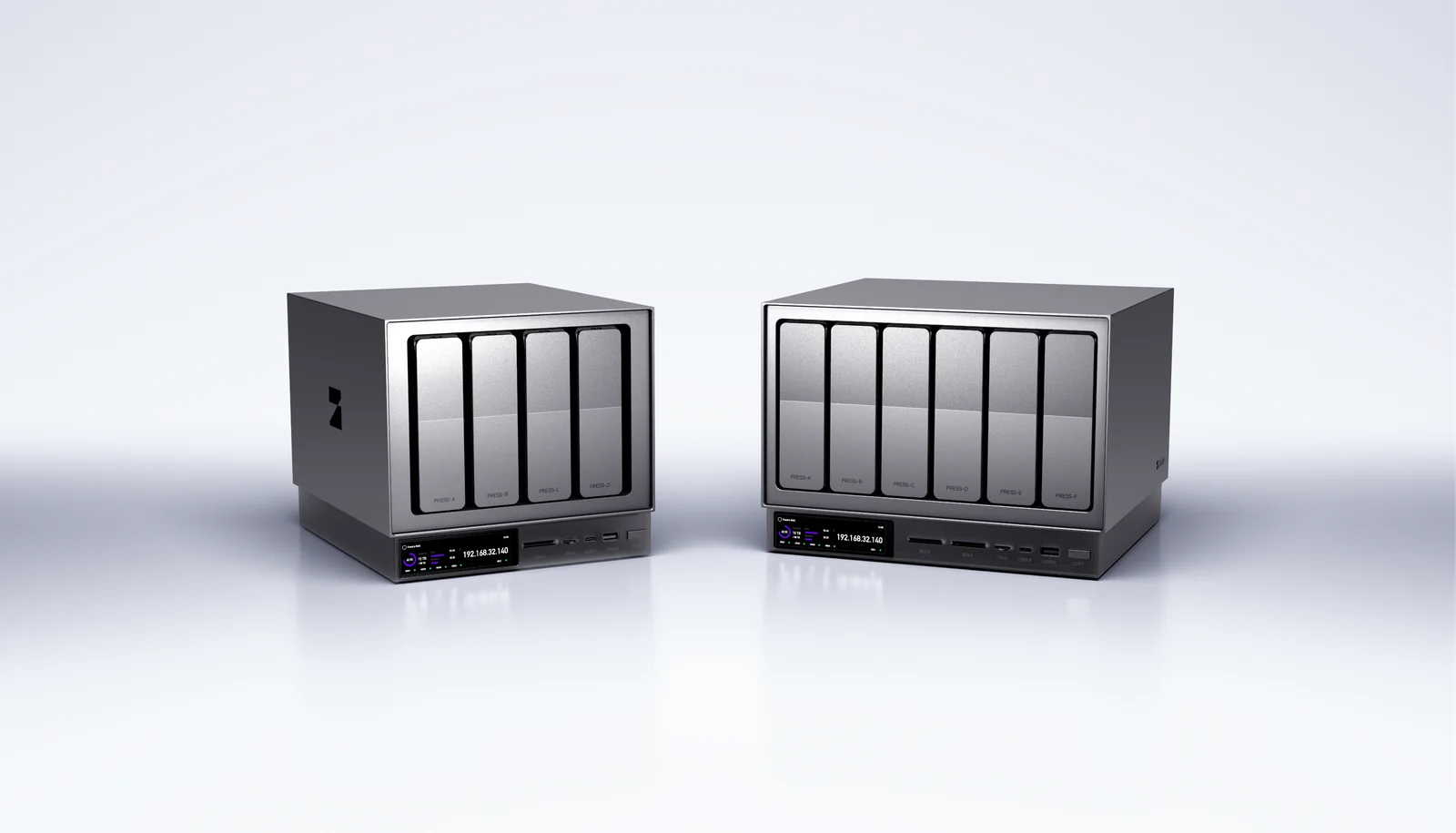
The model comparison
This guide compares D4 and D6. D6 Ultra belongs to a separate product family and is not included in this comparison. See the Ultra specifications and availability for the separate family; verify its sale status instead of treating it as the same product.
| Feature | D4 | D6 |
|---|---|---|
| SATA drive bays | 4 | 6 |
| Drives included | Diskless | Diskless |
| RAM options | 8GB or 16GB | 8GB or 16GB |
| Network connection | 2.5GbE | 2.5GbE |
| SD/microSD (TF) card import | Supported | Supported |
| Local AI file search | Enabled and learned formats only | Enabled and learned formats only |
| Price and stock | Review the D4 / D6 configuration options. For current price and availability, contact Zettlab. | |
Source: official D4/D6 product and feature pages, reviewed 4 November 2026. Hardware features have not been independently benchmarked.
Choose from the archive you need to keep
Choose D4 when your planned four-drive layout covers the archive and growth allowance. Choose D6 when you need a larger validated drive layout. Keep the independent backup budget in either case; extra bays do not raise the 2.5GbE link rate.
| Your situation | Starting point | Check before choosing |
|---|---|---|
| The archive and planned growth fit a four-drive layout | Configure D4 | Usable capacity after your supported redundancy mode, plus a separate recovery copy. |
| The archive needs more capacity than your four-drive plan provides | Explore six-bay D6 | Compatible disks, supported RAID layout, full setup cost and expected growth. |
| You plan to add drives later | Confirm migration before relying on empty bays | The exact starting layout, supported expansion path, drive-size rules and recovery procedure. |
| Your main problem is direct editing or transfer speed | Validate the workload and network first | Both standard models list 2.5GbE. More bays alone do not establish faster application performance. |
Raw capacity is not usable capacity
Four 8TB drives provide 32TB of nominal raw capacity; six provide 48TB. The space available for your files is lower after redundancy, formatting and system use. As a simplified single-parity illustration, equal-sized drives would provide roughly (N − 1) × drive capacity before other overhead: 24TB across four 8TB drives and 40TB across six.
These are simplified examples. Check which RAID modes and expansion options your ZettOS version supports, and allow space for rebuilds and future files. If your chosen software supports snapshots or version history, include their retention space too. A drive’s advertised capacity in decimal TB may also differ from the value shown by your operating system.

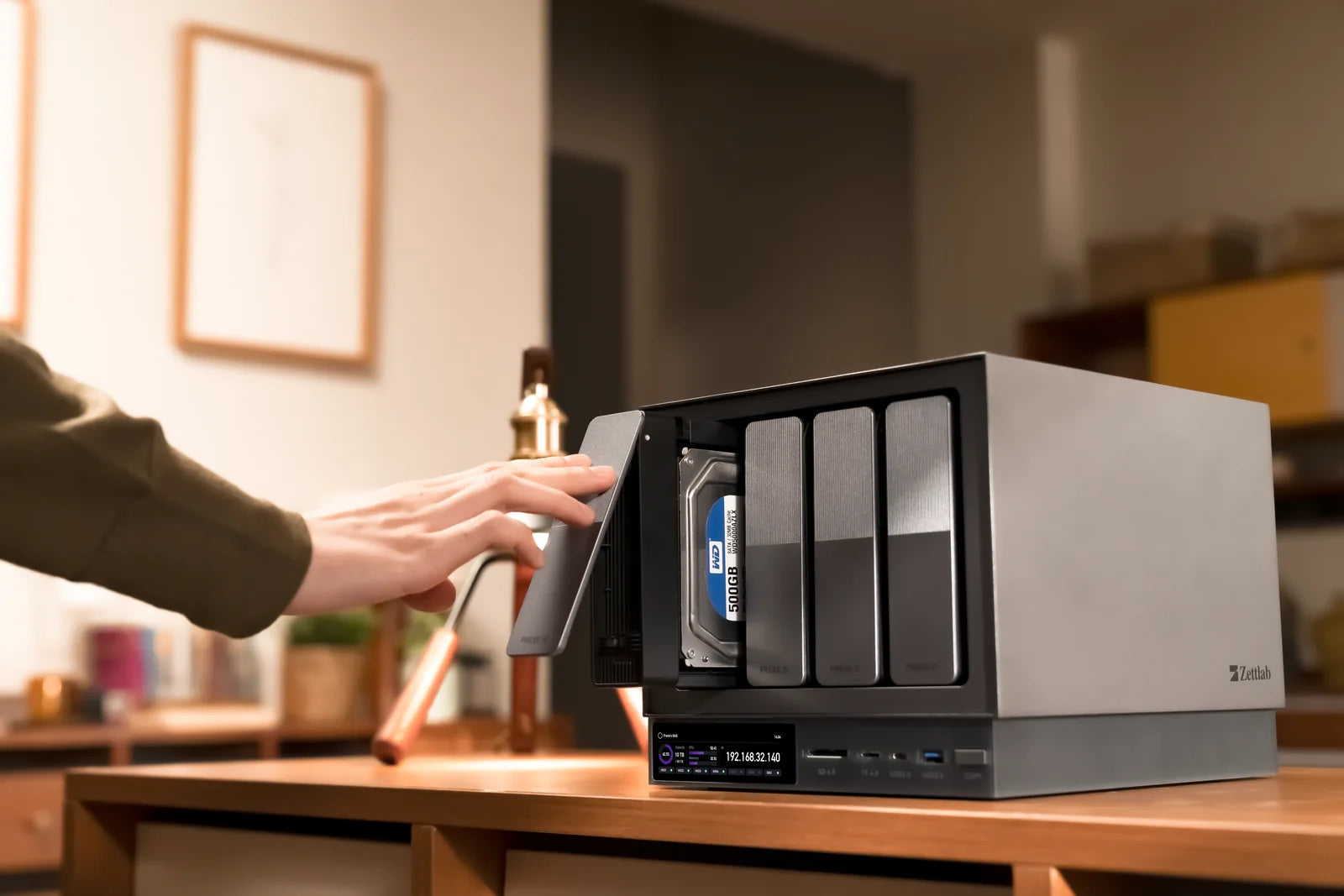
When four bays are a sensible fit
D4 with four drive bays can suit an archive that fits comfortably within a planned four-drive array and growth allowance. Compare the total setup cost, including the enclosure, drives, backup storage and any network upgrades.
Do not buy an almost-full array based on today’s files alone. Measure how many terabytes you add in a year and how long you need to keep working files and deliveries.
When the extra bays can help
D6 with six drive bays offers two more SATA bays for a larger planned drive layout. That can matter for growing RAW libraries, several family users or mixed photo/video archives. Empty slots create planning options, but adding drives later is not automatically seamless: supported migration, disk-size rules and the chosen array determine what is possible.
Both models have 2.5GbE networking. More drive bays alone will not increase the network link speed, and drives in the same array do not count as separate backups. Actual transfer speeds depend on the full setup and workload.
Make the decision in this order
-
Measure the archive
Add current data, expected growth and room for working space.
-
Choose a protection plan
Decide how the NAS, another local device and an offsite copy will work together.
-
Validate the configuration
Start with the model-specific hardware compatibility notes, then confirm RAID modes, recovery and expansion behavior for the exact drive layout.
If you require direct network editing or a specific application, validate that workload separately. The number of drive bays does not tell you whether an application supports network storage.
Turn capacity into a configuration
Use the RAID capacity calculator for theoretical capacity and the RAID selection guide for tradeoffs. Generic modes do not establish support by your model. Keep a backup budget and confirm options on the D4/D6 specification page.
Product details and sources
Product details are based on the official D4/D6 source and hardware specifications reviewed 4 November 2026. Copy reviewed 12 November 2026. No independent hardware benchmark is reported. Check model-specific requirements and confirm current price, stock and purchase conditions with Zettlab.
Frequently asked questions
Do drives come with D4 or D6?
The listed D4/D6 offering is diskless. Purchase compatible drives separately and check the selected configuration before ordering.
Can I start with fewer drives and expand later?
Check the current supported RAID and migration documentation for your exact layout. Having an empty bay does not guarantee that you can add a drive without rebuilding the array.
Capacity & RAID
RAID Capacity Calculator
Read the guideCapacity & RAID