






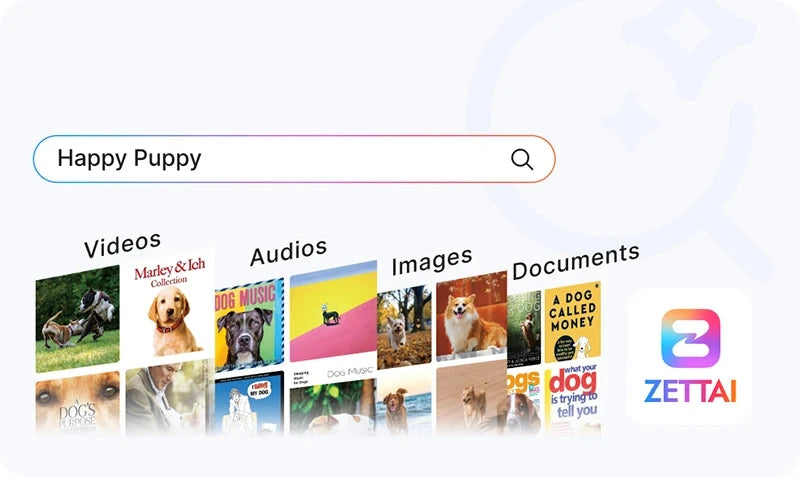
Find a photo you remember
Describe a moment when you cannot remember its filename. ZettAI image search offers another route into the photos selected for learning.
Example
- Input
- A folder of family JPEGs.
- Task
- Search for “a child in a yellow raincoat by the sea.”
- Useful result
- A shortlist of pictures to open and choose from.
Use supported images, let learning finish, and inspect the matches. The learning guide explains supported files and processing status. Build an ongoing routine with the family photo library plan.
Return to a past project
Use the detail you remember to begin searching an archive, then follow the result back to its folder. Combine content search where supported with filenames and the filters available in Files.
Example
- Input
- Supported shoot photos and a readable project brief.
- Task
- Look for the rooftop shoot and its client brief.
- Useful result
- Candidate files and locations to inspect before reusing the work.
Coverage depends on the selected files and completed learning. Check original formats individually; storing RAW or video files does not establish successful AI interpretation. See the photographer archive workflow.
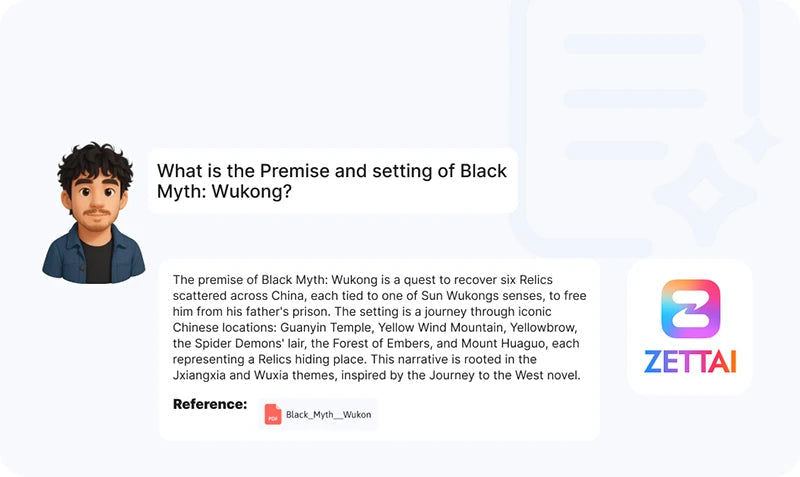
Ask questions about a document
Use a question to locate a detail in supported documents, then check it in the original.
Example
- Input
- A readable client brief in a supported format.
- Task
- Ask “Which image sizes does the client request?”
- Useful result
- A draft answer to compare with the brief before exporting.
Standard D4/D6 AI Q&A uses PC computing power, as stated in the published model table. Confirm the current host and client requirements for your setup. An answer can miss or misread information; open the source before acting on it. Review AI prerequisites when you are ready to try this task.
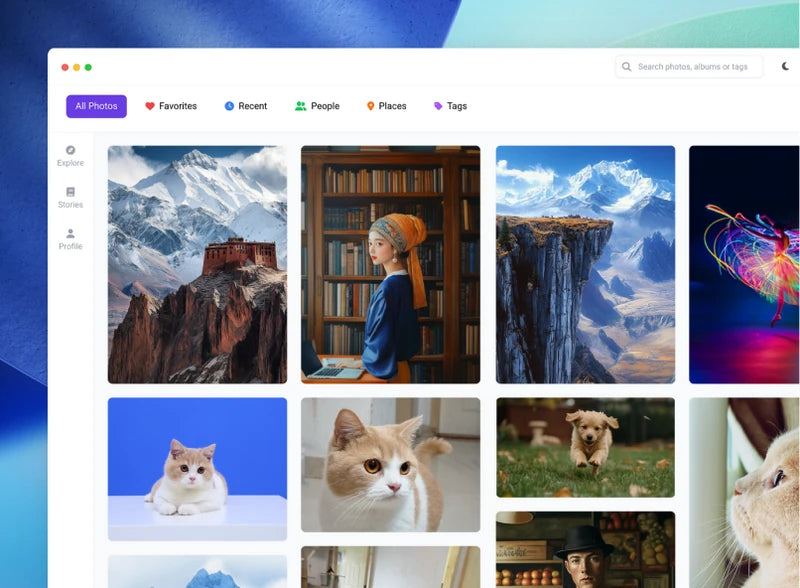
Make a photo library worth returning to
ZettOS Photos provides albums, collections and available metadata views. Album creation and date-based browsing are everyday photo organization. AI-assisted search adds another way to discover supported pictures after analysis.
Example
- Input
- Phone photos and camera JPEG exports.
- Task
- Collect a trip into an album and browse it by date.
- Useful result
- A collection to revisit and share with the people you choose.
Start with a small Photos import, then browse the library and verify an independent recovery copy.
For a separate photo application, explore Immich and its requirements, its official Quick Start, and the import and recovery workflow. Its features and setup follow its own documentation.
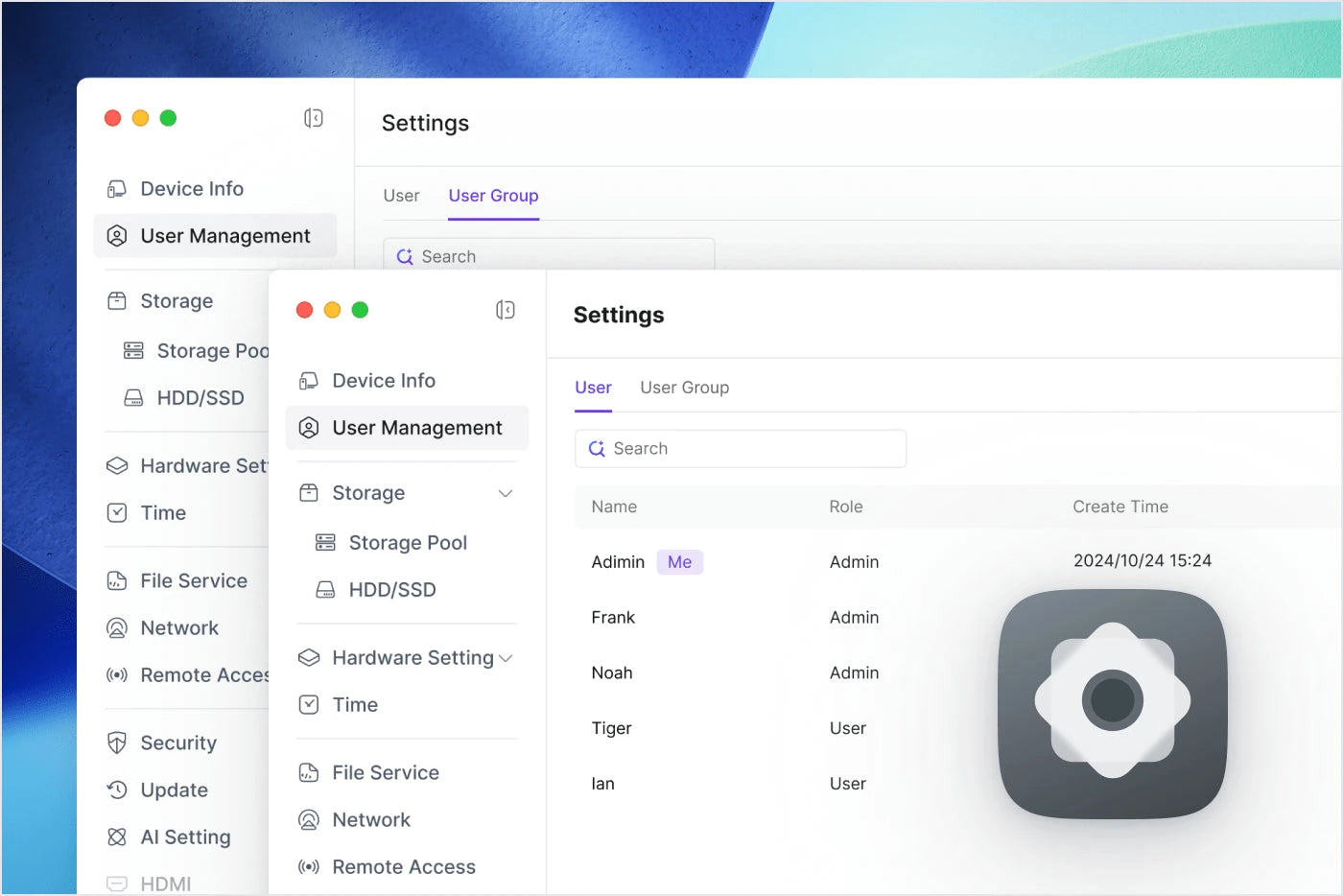
Keep file access under your control
Accounts and folder permissions provide the foundation for these tasks. ZettOS user management and administrator-controlled learning scope let you plan file access and exclude folders from AI processing.
Example
- Input
- A family album alongside private work files.
- Task
- Set account access and exclude the private folder from learning.
- Useful result
- A defined sharing and processing scope to check with another account.
Verify the access and search behavior of your installed version. Review the ZettOS overview; remote access and optional connected services have their own network requirements.
Choose one task to try
For the definition and model tradeoffs, read what an AI NAS is.
Begin with a small folder whose contents you know. Use the current learning guidance, follow setup instructions when needed, and compare results with originals. Explore more workflows around your storage needs.
Basics
ZettAI Learning: Scope, Formats and Missing Search Results
Read the guide
For Home