




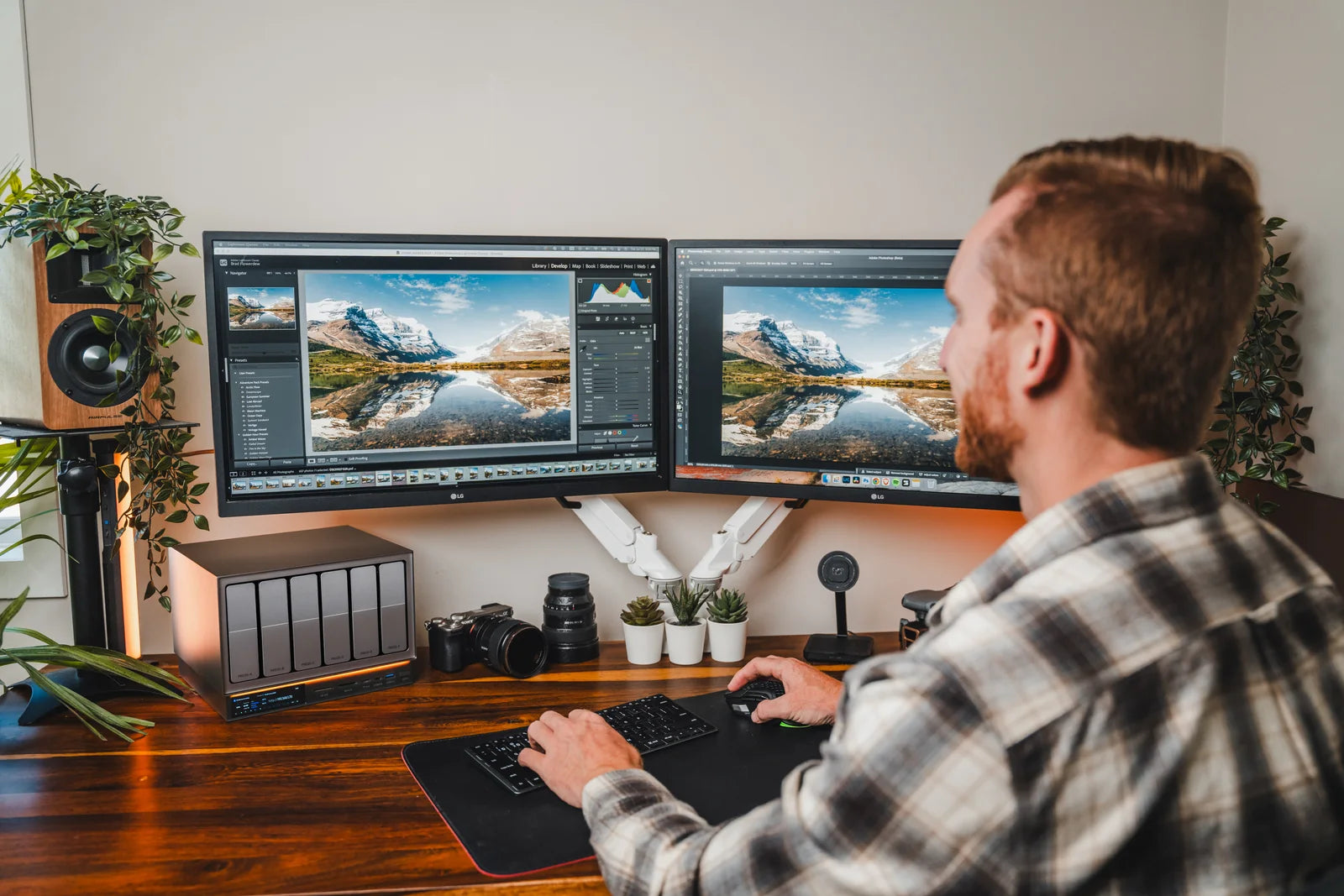
From memory card to a searchable archive
Keep imported RAW files, work in progress and finished images in separate folders. A consistent folder structure makes it easier to find a completed shoot when new projects arrive.
-
Import and verify
D4 and D6 support imports from compatible SD and microSD (TF) cards. Check the copied files and make a separate backup before formatting the card.
-
Give projects a predictable home
Use folders such as
2026/2026-11-Client-Project/RAW,EditsandDelivery. Keep a catalog backup alongside its project, and check your editing software’s rules before storing a live catalog on a network volume. -
Find work after delivery
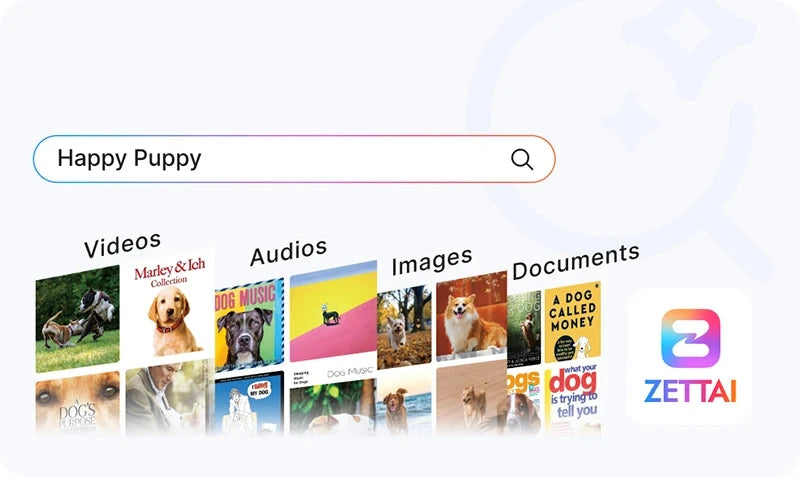
Use local AI search to help find supported images, audio, video and documents. Keep clear folder names and useful metadata too, so you can browse your files when search does not find what you need.

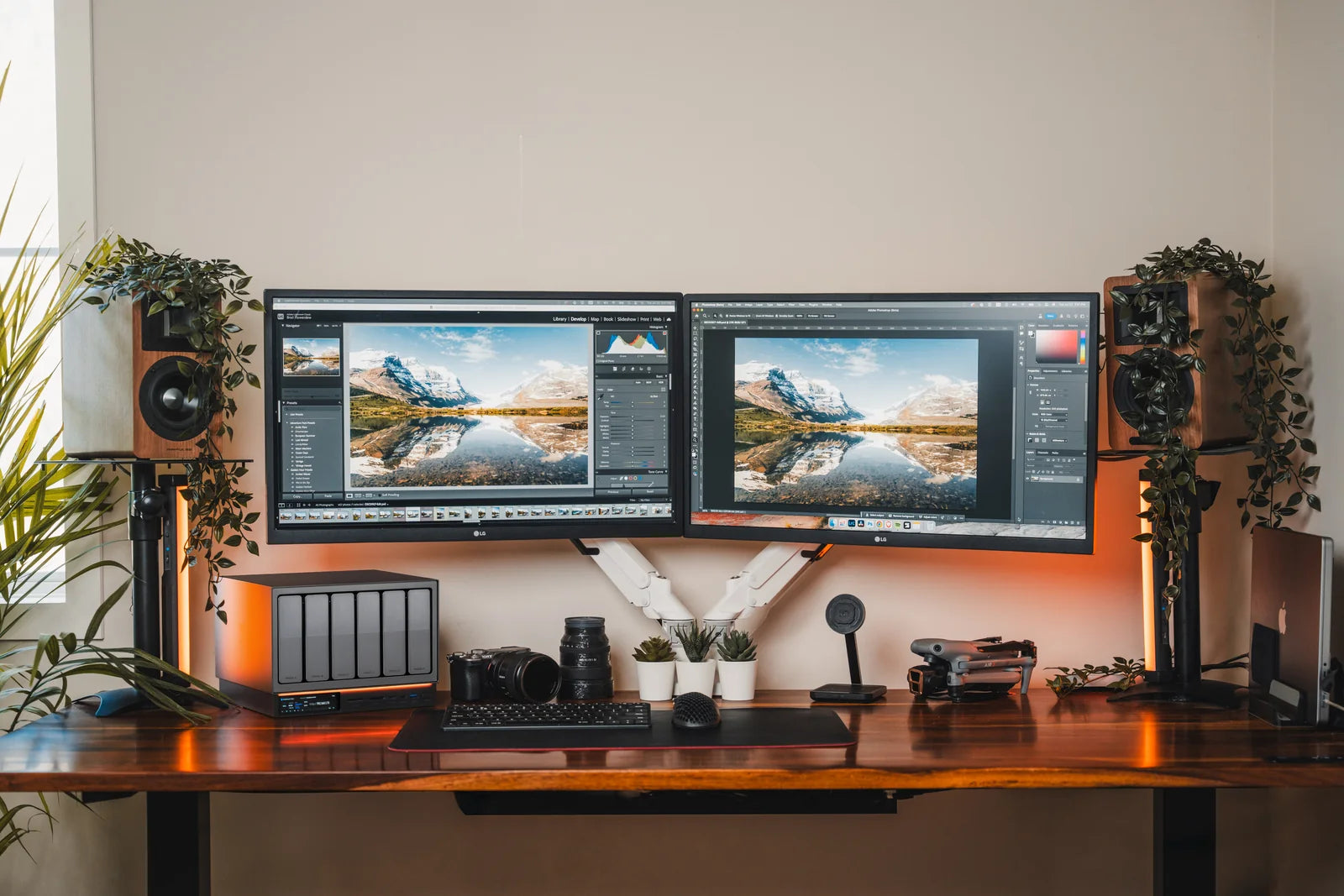
Size the archive before choosing the enclosure
RAW files, layered edits and exported images consume different amounts of space. Measure a few real projects instead of planning from camera megapixels alone.
Your storage worksheet
Estimated storage = new files per year × years × 1.25, including a 25% buffer. Add space for existing files, RAID overhead and separate backups. If your chosen software supports snapshots or version history, include their retention space too. Values use decimal terabytes (1 TB = 1,000 GB). Choose drives and a RAID configuration separately.
Use the archive estimate above as the amount of data you need to keep. Next, use the RAID capacity calculator to compare theoretical usable capacity for candidate drive layouts. Confirm which modes your model supports, then read the four-bay vs six-bay comparison before choosing the enclosure and drives. D4 has four SATA bays and D6 has six; leave room for growth and keep independent backups outside that array.
Keep the active edit where it works best
D4 and D6 have 2.5GbE networking and a choice of 8GB or 16GB RAM at purchase. A 2.5GbE connection has a theoretical link rate of 312.5 MB/s before protocol overhead; this is not a measured file-transfer speed. Your computer, switch, cables, drives and concurrent tasks all affect the result.
A practical starting point is editing on your computer’s fast local disk, then moving completed projects to the NAS. If you want to edit directly from the NAS, test representative RAW files, catalogs, previews and edits in your actual software before moving all your work. Performance will depend on the complete setup.
Keep another copy beyond the enclosure
RAID can help a compatible array tolerate certain drive failures. It does not protect against every deletion, theft, fire or ransomware event. Use an independent local copy and an offsite copy for irreplaceable shoots. Schedule regular backups and test that you can restore files from them.
The 3-2-1 photo backup guide explains where to keep each copy and what to check in your backup software.
Before ordering a D4 or D6
- Check the model-specific hardware compatibility notes and confirm supported RAID behavior and expansion steps for your chosen model.
- Budget for drives, an independent backup target and any network upgrades.
- Confirm current configuration prices and availability on the official product page.
- Check delivery coverage and charges in the shipping policy for your address.
Search starts with a prepared library
Before relying on AI search, enable and configure ZettAI and include the intended folders in the learning scope, supported formats and task status. Wait for the relevant learning task to finish, then check a representative sample. Keep filenames and metadata useful when an item is excluded or cannot be processed.
Storing an original RAW, video or document file is different from successfully parsing it for AI. Supported extensions do not guarantee every codec, camera variant, encrypted or damaged file will work. The standard D4/D6 model table described AI Q&A as using PC computing power; do not confuse that with the Ultra family’s separate local-LLM positioning. Search and Q&A have different requirements.
Build a repeatable photo routine
Prepare the NAS with the first boot and login guide, then try a representative import while keeping the card. Record the model, version, drive layout, network, count and formats. Check learning status, try searches, and restore an independent copy. This is workflow guidance, not an import-speed or AI-success test.
For continuing household use, explore the family photo library plan. NAS Apps includes Immich photo-library requirements and other candidates with validation status. A gallery does not automatically replace a RAW editor, catalog or independent backups.
Product details and sources
Product details are based on the D4/D6 product page and hardware specifications reviewed 4 November 2026. Copy reviewed 12 November 2026. No independent hardware benchmark is reported. Confirm current configurations, compatibility, availability and purchase conditions on the official pages.
Frequently asked questions
Can I delete the memory card after importing?
Only after verifying the import and confirming independent backup copies. A single NAS copy is still one location.
Will a six-bay NAS transfer files faster?
Not necessarily. Transfer speed depends on the drives, RAID configuration, network and workload, as well as the number of bays.
Capacity & RAID
RAID Capacity Calculator
Read the guide
Backup & migration