




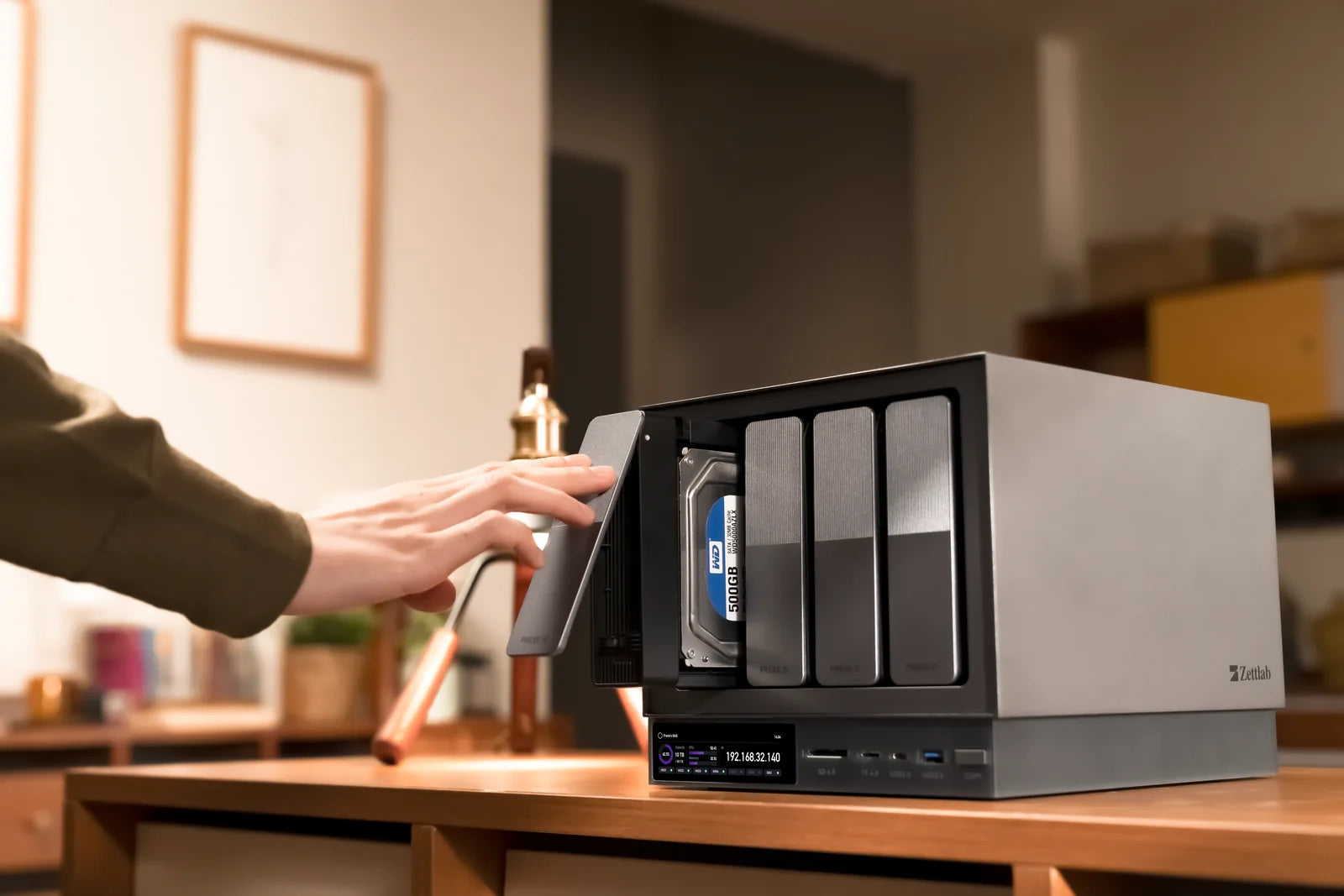
Decide what the array is meant to protect
RAID combines drives in a layout that can change capacity, performance characteristics and tolerance of member-drive failures. It does not independently protect a NAS from deletion, malicious changes, theft, fire or every software fault. Treat RAID as part of the availability design, with backup designed separately.
Begin by asking how long you can work without the archive, which files are irreplaceable, and whether you could restore the entire dataset if the enclosure were unavailable. A mirror can be easier to understand than parity, but neither is a recovery plan by itself.
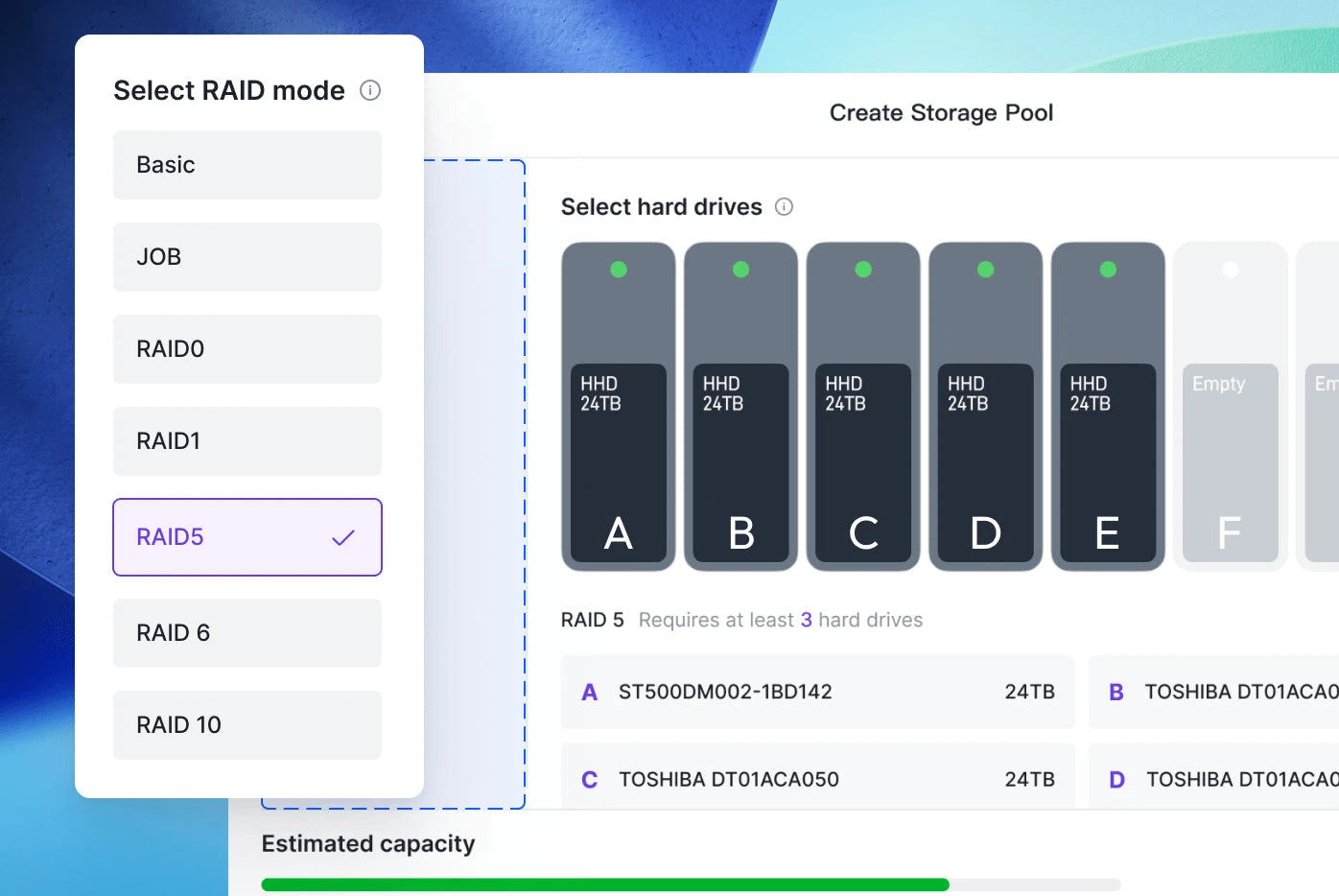
Compare the common layouts
| Layout | Capacity with equal drives | Useful tradeoff | Main constraint |
|---|---|---|---|
| RAID 1 | One drive's capacity in an N-way mirror. | A straightforward mirrored set; often considered for a small drive group. | Each added mirror member stores another copy rather than adding file capacity. |
| RAID 5 | Active drives minus one, multiplied by drive size. | Capacity-efficient single parity with at least three active members. | Only one member failure is tolerated. |
| RAID 6 | Active drives minus two, multiplied by drive size. | Dual parity with at least four active members. | Uses an extra drive-equivalent of capacity compared with RAID 5. |
| RAID 10 | Half the active raw capacity in paired mirrors. | A combination of striping and mirroring. | Requires an even active drive count of at least four in this model; multiple failures depend on mirror-pair placement. |
| RAID 0 / concatenated JBOD | All active raw capacity before overhead. | No redundancy capacity cost. | No member-drive failure protection; RAID 0 and concatenation are not the same implementation. |
Capacity is theoretical, before formatting, metadata and application space. Product implementations may restrict layout choices. Different-sized drives require a layout-specific calculation; do not assume all label capacities will be available.
A four-drive example
Consider four equal 8 TB drives, all active and with no spares. Conventional RAID 5 provides 24 TB before overhead. RAID 6 provides 16 TB, as does RAID 10 with two mirrored pairs. A four-way RAID 1 mirror would provide 8 TB, if supported. The different capacities do not by themselves identify a winner.
If 16 TB covers your archive and growth, the extra parity of RAID 6 may be worth considering. If you require a particular random-access workload, RAID 10 may be relevant, but test the actual system rather than assuming a universal speed advantage. If 24 TB is essential to the budget, consider whether the single-parity failure boundary fits your availability and restore requirements.
Use the RAID calculator to compare a fixed drive group. It will not tell you whether your NAS implements a mode or how long a recovery will take.
RAID 1 vs RAID 5 is more than two capacity numbers
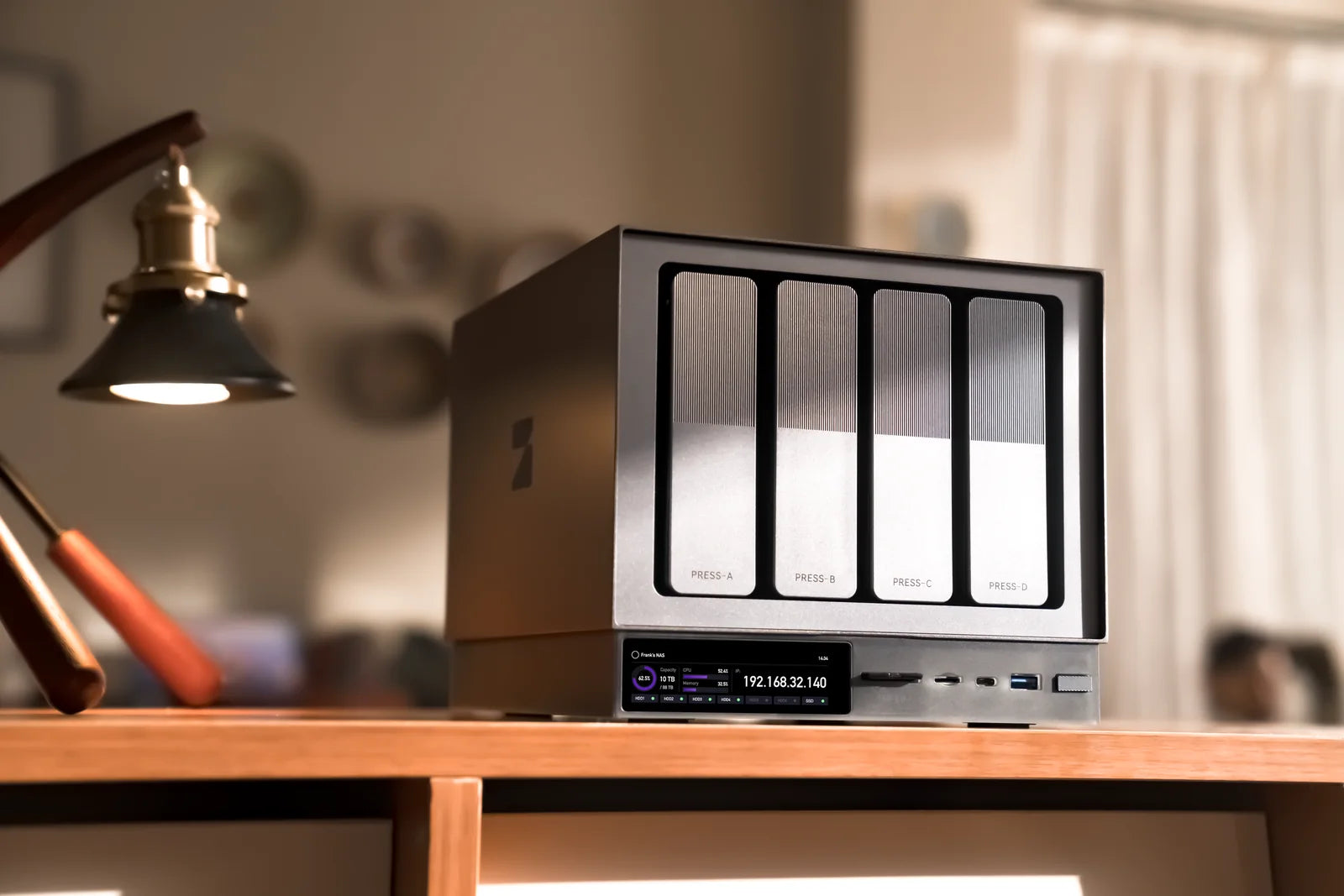
A two-drive mirror uses two drives to store one drive's worth of data. RAID 5 starts at three active drives and distributes parity across members. It can make better use of raw capacity as the group grows, while introducing a different rebuild and degraded-operation profile.
On a four-bay device, your choice also affects how much expansion room remains. Buying fewer drives today is not a promise that you can change RAID later without a full copy and recreation. Check supported migration paths, replacement-size rules and filesystem limits before relying on an upgrade plan.
Choose with a five-step check
- Estimate retained data. Count today's files, growth, version retention and application data. Keep the backup destination outside this capacity figure.
- Define failure and downtime tolerance. Decide whether a degraded array can remain in service and what a complete restore would involve.
- Verify the implementation. Read the exact model's current storage documentation and drive compatibility records. A generic RAID table is not a product feature list.
- Keep operating headroom. Allow for filesystem needs and any supported retention features. Do not fill a pool to its theoretical maximum.
- Practice recovery before dependence. Restore representative files from an independent copy. Document where credentials, spare drives and support information are kept.
Frequently asked questions
Is RAID 5 unsafe for every home NAS?
A blanket rule ignores drive count, capacity, workload, backups and downtime needs. Understand its one-member-failure boundary and what happens during a rebuild. For an archive you cannot quickly restore, compare dual parity and stronger independent recovery arrangements.
Does RAID 10 survive two failures?
Sometimes. Two failures in different mirror pairs may be survivable; two in the same pair may lose the array. Do not treat it as equivalent to RAID 6's two-member-failure tolerance.
How long will rebuilding take?
There is no reliable single time. Drive condition, array size, processor, implementation and ongoing workload matter. Record your own maintenance procedure and avoid using an unmeasured duration as a purchase promise.
Capacity & RAID
RAID Capacity Calculator
Read the guide
Capacity & RAID