






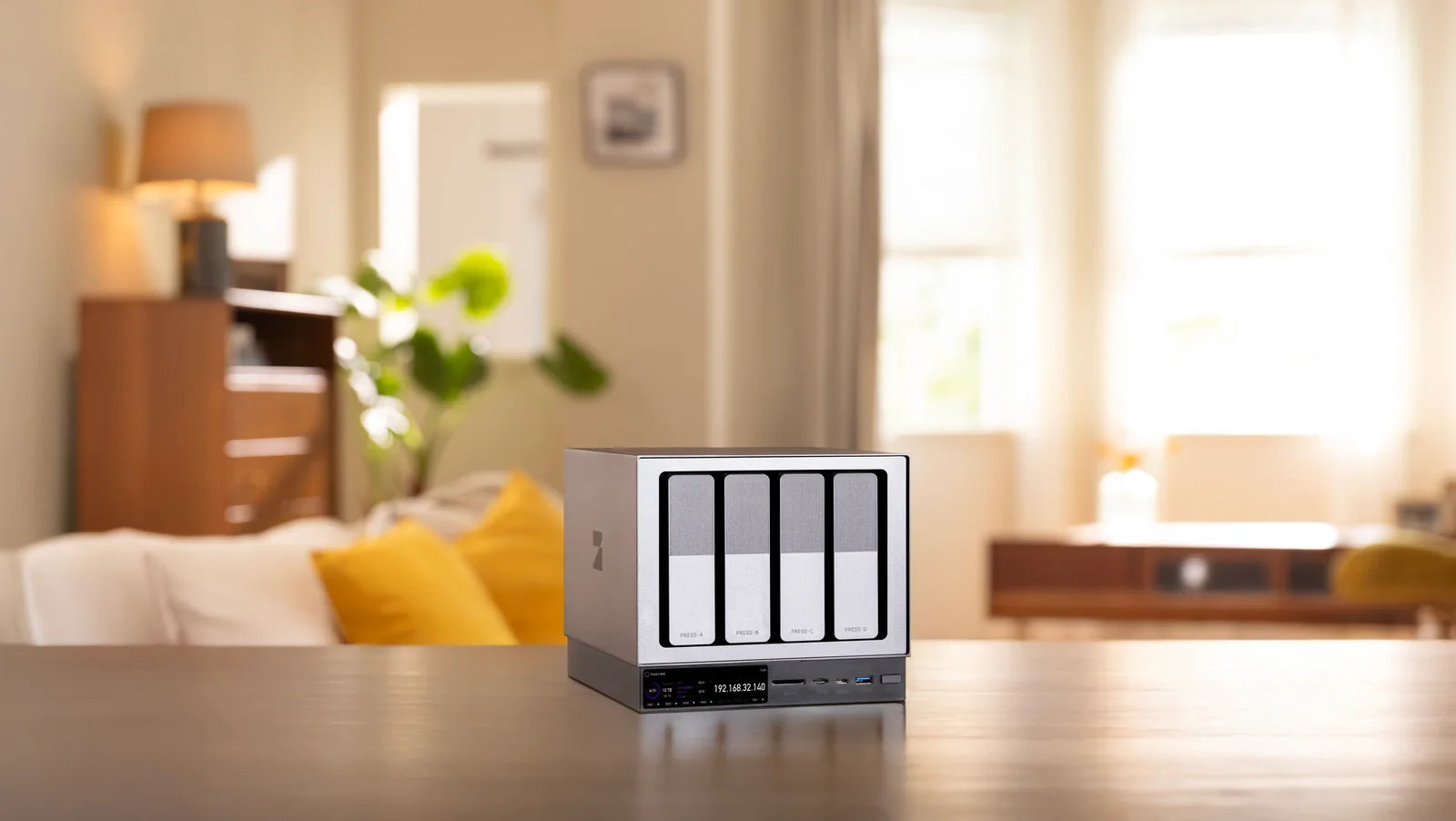
What are you actually choosing?
A NAS stores files on hardware you manage, typically at home or in a studio. A cloud storage service stores files on the provider’s servers. Both can be useful in the same workflow: local storage for a large archive and a separate remote copy for disaster recovery.
| Decision | Private NAS | Hosted cloud |
|---|---|---|
| Initial expense | Enclosure, compatible drives and setup | Usually a subscription payment; terms vary |
| Ongoing expense | Power, replacement drives, maintenance and offsite backup | Subscription; possible capacity, retrieval or transfer charges |
| Local access | Access files over your home or office network | Often relies on internet access or a synchronized local copy |
| Remote access | Depends on configuration, internet and security controls | Managed by the provider, subject to account and service availability |
| Maintenance | You handle updates, permissions and recovery tests | Provider manages infrastructure; you still manage access and recovery |
| Disaster recovery | Needs a copy outside the NAS location | Check version history, deletion policies and independent export options |
Compare costs with your own inputs
There is no universal break-even month. A small cloud plan may remain inexpensive for years. A large growing archive may justify local hardware, particularly if local access is valuable. Use equivalent capacity and protection assumptions on both sides.
Simple cost worksheet · USD
Enclosure price references
- Zettlab D4 · 16GBUSD $699.99
- Zettlab D6 · 16GBUSD $799.99
Supplied reference · 2026-11-18. Diskless enclosures; drives, delivery and tax are separate. 8GB and Black Friday prices pending. Confirm current pricing.
Add compatible drives, initial setup and an independent backup destination to the upfront budget. Enter electricity, upkeep and offsite backup separately as monthly costs. Storage capacity alone does not determine a cloud plan’s price.
Use at least 0.5 TB, in 0.5 TB steps. Compare the same usable capacity and backup protection on both sides. This is a comparison assumption; enter your actual cloud-plan price below.
The cost fields are blank-budget placeholders. A reference button inserts an enclosure-only starting amount; add the rest of your setup before comparing totals.
Enter prices for comparable storage capacity and backup protection. The initial zeros are placeholders. This estimate assumes costs stay the same and excludes taxes, financing and future changes in your storage needs.
Where D4/D6 fit
D4 and D6 have four and six SATA drive bays, respectively, with compatible drives sold separately. Both include 2.5GbE networking, SD/microSD card import, user permissions and local AI search. Check the standard D4/D6 hardware specifications against the ports, memory and drive layout your archive needs. Plan time to set up accounts, install updates and check backups.
Local AI search does not mean every feature works offline. Check the documentation and privacy settings for remote access and any optional services you enable.
A useful middle ground
Keep the main archive on the NAS, a separate local copy on another device, and an offsite copy for irreplaceable files. Use the 3-2-1 backup plan and restore checks to choose where those copies live. This may include a cloud service or rotated storage. Check whether your chosen backup software can copy from the NAS; do not assume every cloud provider has a native ZettOS app.
For a small photo library, a well-managed cloud plan plus an independent export may be enough. For larger local archives, a NAS can add control and network access. Choose the arrangement you can maintain and restore.
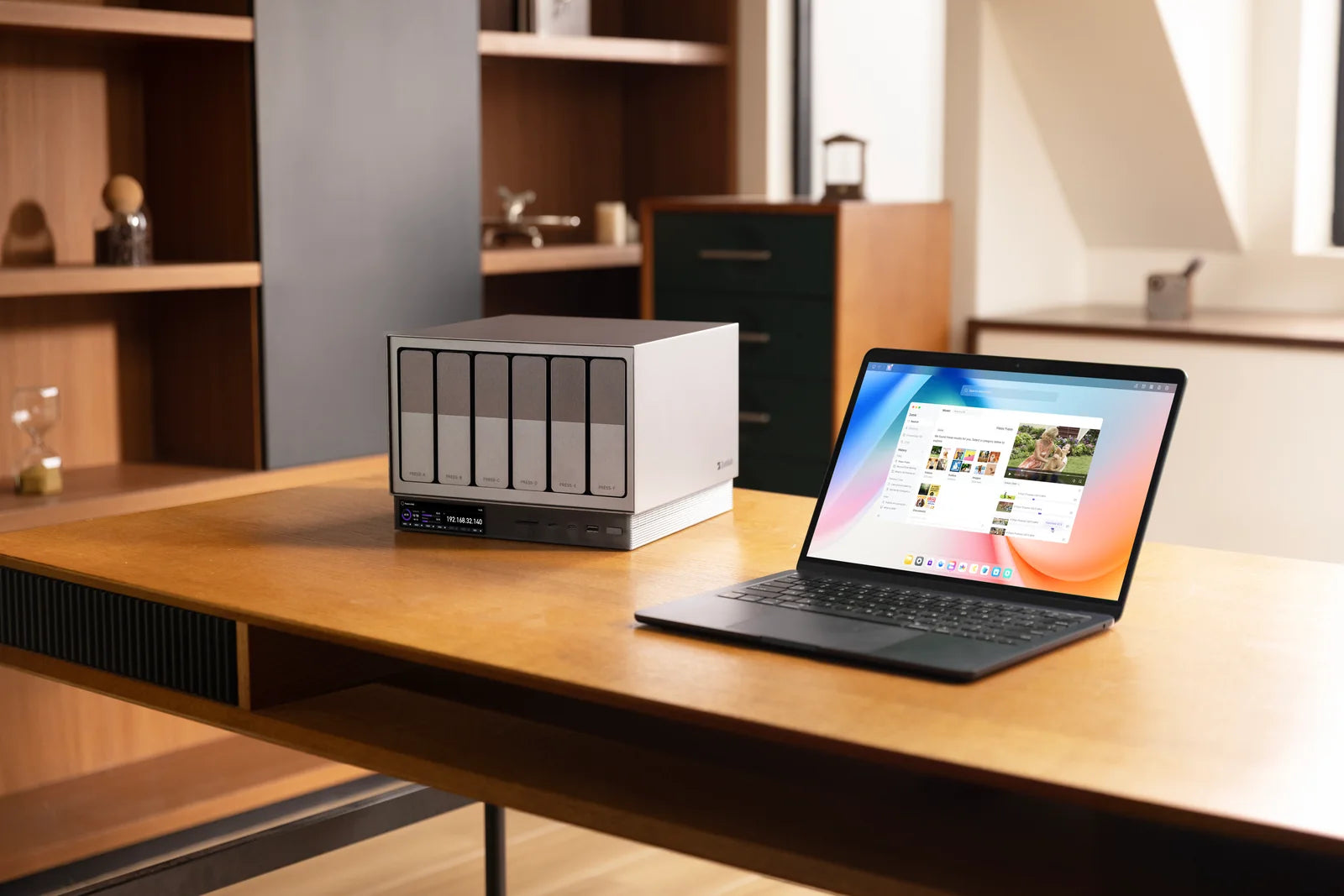
Use a complete, dated comparison
For a worked comparison, record the date, currency, usable capacity, disk configuration and protection level. Enter the enclosure and drives, a separate backup target, and setup costs in the one-time field. Put electricity, expected drive replacement and offsite storage in the monthly NAS field; use a cloud plan offering equivalent capacity and recovery assumptions.
The worksheet starts at zero so it does not impersonate a current quote. Its formula is NAS = setup + running × months and cloud = subscription × months. It does not model tax, inflation, changing plans or a future failed drive. A quoted break-even month illustrates your inputs, not a purchase forecast.
Before migrating, distinguish iCloud history export and Google Photos history export from ongoing phone uploads. The family photo library plan connects verified exports to ongoing use without claiming native cloud integration.
Check the AI workflow you need
AI search requires enable and configure ZettAI and completed learning of the chosen files. Check learning scope, supported formats and task status for your version. An original file can be stored without being supported for AI parsing. If Q&A matters to your purchase, standard D4/D6 documentation describes PC computing power; Ultra is a different family. These pages do not provide an independent hardware benchmark.
Product details and sources
Product details are based on the D4/D6 product page and hardware specifications reviewed 4 November 2026. Copy reviewed 12 November 2026. No independent hardware benchmark is reported. Confirm current configurations, compatibility, availability and purchase conditions on the official pages.
Frequently asked questions
Does a NAS eliminate all monthly costs?
No. Electricity, replacement drives and offsite backup can have ongoing costs. Include those expenses when comparing the total cost with a cloud subscription.
Is private storage automatically more secure?
Not automatically. Security depends on account permissions, software updates, remote-access settings and backups. Both a NAS and a cloud service need careful configuration.
Backup & migration
3-2-1 Photo Backup: Plan and Test Your Copies
Read the guide
For Home