




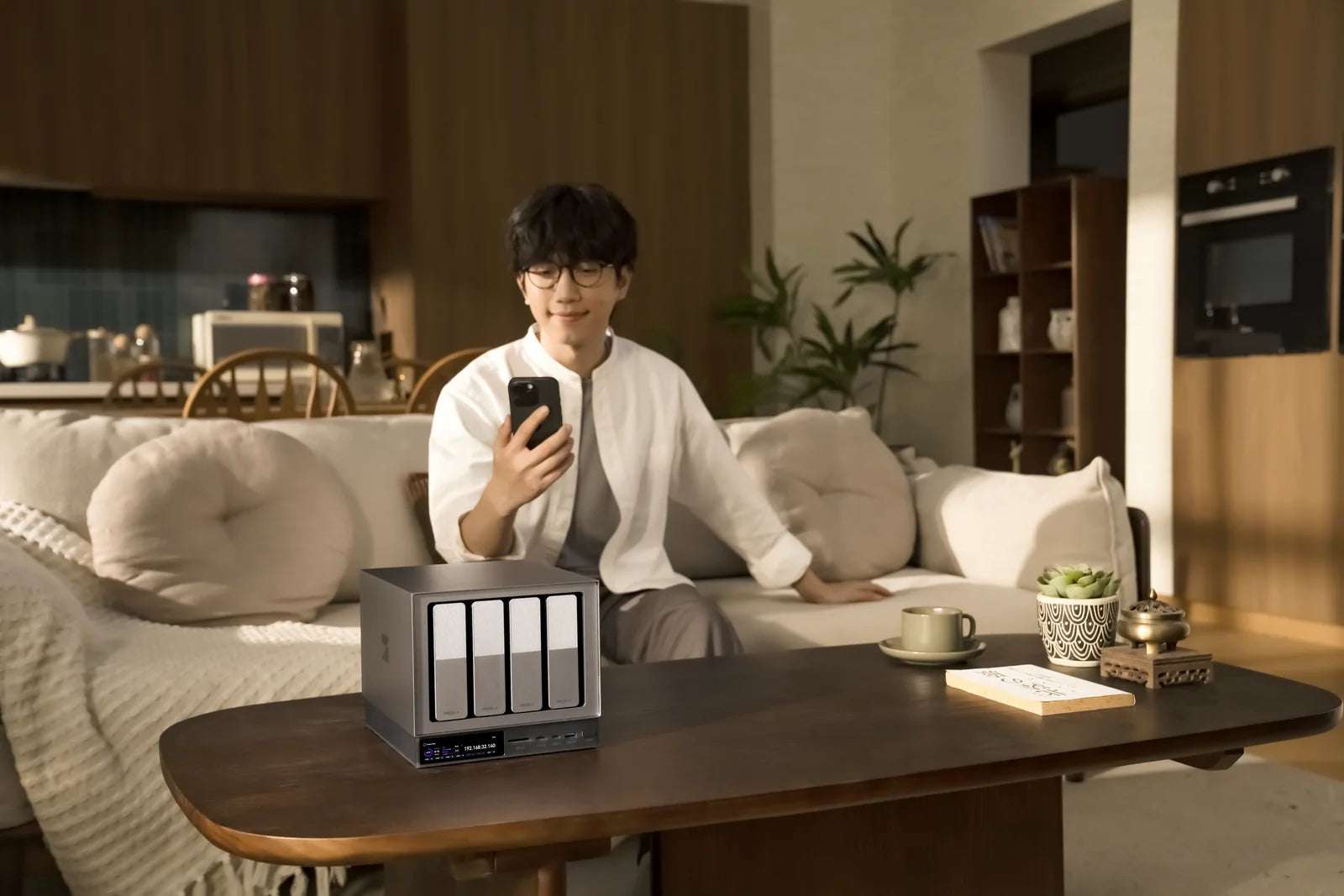
Agree on what the family needs
Map the people who will use and maintain the library. Who takes photos? Who organizes them? Who should see a shared album, and which folders should remain private? Decide who will maintain the system and who can recover it if that person is unavailable.
Then separate three collections: the historical archive you already have, new photos arriving from phones and cameras, and finished selections you share. They can use different routes. A one-time cloud export does not automatically solve future phone uploads, and a shared album is not necessarily an independent backup of the originals.
Keep an untouched source copy while evaluating a new arrangement. The first goal is a small collection that everyone can understand and recover, rather than moving twenty years of files into an unfamiliar application in one weekend.
Compare three practical arrangements
| Arrangement | Good fit | Responsibility |
|---|---|---|
| Organized NAS folders | You want accessible originals and a simple archive structure. | Transfers, naming, access controls and independent backups. |
| A supported native photo experience | You prefer the device's maintained account and application workflow. | Verify current features, client behavior, formats and recovery for the exact release. |
| A separate application such as Immich | You want a dedicated self-hosted browsing and organization experience. | Application host, database, updates, clients and full-service recovery. |
These are choices to evaluate, not three equivalent guaranteed feature lists. Immich is not a synonym for a native NAS photo app. Some households may keep a cloud service for convenience while making periodic independent local exports. Compare the cost and responsibility of NAS and cloud storage without assuming a complete replacement is necessary.
Try a small ZettOS Photos routine
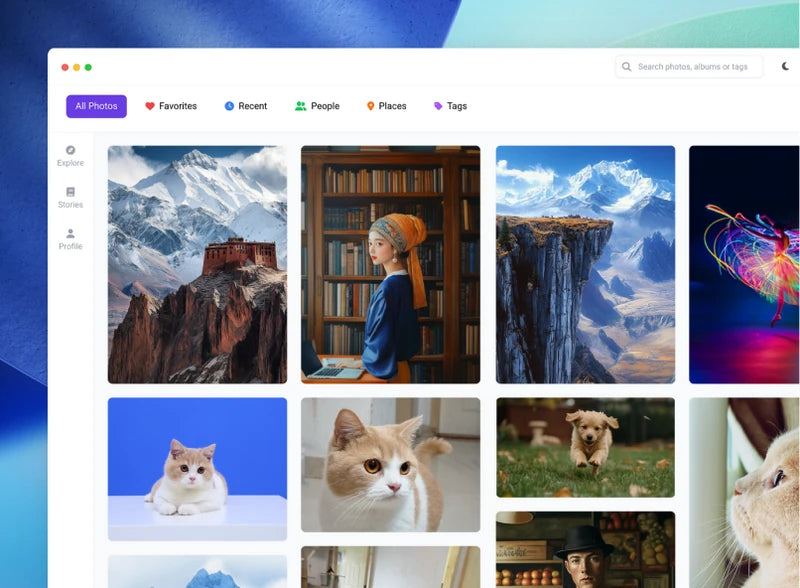
Use a small set of familiar photos before importing the whole family archive. The current official Wiki describes this native Photos route; check the options shown by your installed version.
- Prepare the account and path. Complete initial storage setup and make sure the account has its personal space and access to the intended folder. Open Photos from the app launcher.
- Bring in the sample. Upload or copy the sample through Files into a named NAS folder. In Photos' Photo Path settings, include that folder, save and wait for indexing. The Wiki also describes uploading from the Photos + control or by dragging local photos into its window.
- Inspect the timeline. Find the sample by date, open representative photos and compare their capture times with the originals. Use an album to collect one event. Missing photos warrant checking the Photo Path, permissions, indexing and file format.
- Prove an independent copy. Keep the source files and follow the backup and restore workflow for an independent copy and a fresh-location restore. Browsing a thumbnail does not establish recoverability. Album membership is application state; copying photo files alone does not prove albums or settings can be rebuilt.
For recurring phone intake, use the official mobile photo-backup guide. It describes signing in with the Zettlab app, choosing Photo → + → Backup Photo Album, selecting phone albums and enabling backup. Verify new originals reach the intended account and destination on your phone; measure background behavior, network changes and retries before relying on the routine.
Timeline and album browsing do not require treating an optional external app as the default. AI people/pet grouping has separate administrator-controlled ZettAI prerequisites.
Official Photos instructions: initial setup, adding photos and browsing the library.
Bring in the past carefully
Gather the sources before rearranging them: phones, cloud libraries, camera cards, old computer folders and external disks. Note which source is authoritative and whether another source is merely a duplicate or edited selection.
Use the iCloud or Google Photos guide for a historical export. Preserve companion metadata, export logs and original structure until you know how the destination handles them. Check dates, original resolution, videos with audio, Live Photos and any unusual formats that matter to your family.
For scanned older photos, preserve a high-quality master separately from smaller sharing copies. Add understandable names or a simple accompanying record of people, place and context. Do not assume face recognition, handwriting OCR or automatic metadata writing exists in the chosen application until verified.
Design the recurring collection routine
- Choose one intake route. Start with a documented computer transfer or a specific supported client application. Avoid having several untested tools independently rename and move the same files.
- Test new media. Check original quality, capture dates, videos and special formats on the actual phone and operating-system version.
- Observe interruptions. Pause the network or close the app in a controlled test. Learn whether pending uploads resume and how failures become visible.
- Separate organization from deletion. Work out whether moving or deleting an item affects its source, the server, other devices or shared albums.
- Keep a repeatable review. Periodically confirm new photos arrived, available space is sufficient and independent backup jobs have produced recoverable copies.
Background uploads depend on operating-system permissions, battery management, connectivity and the chosen app. Continuous phone upload has not been verified on Zettlab in this reference plan.
Make the library easy to live with
A simple archive structure such as year and event can help even if an application provides search. Keep master originals recognizable, avoid unexplained bulk renames and document any transformation. Preserve export files before applying a metadata repair tool.
Give household members their own accounts where supported. Explain what a shared album permits and what it does not. Test the experience as a normal user, rather than assuming the administrator's view matches everyone's access.
Estimate storage for videos as well as still images, and allow room for the application's database, derived files and growth. Use the RAID calculator for theoretical array capacity, then budget independent backup space separately.
Write the recovery note before you need it
- List where originals, database, configuration and export records live.
- Keep an independent copy and a copy in another location appropriate to your risks.
- Protect account recovery information and any encryption keys.
- Restore selected files to a new location and open them.
- If using a photo application, also test its documented database-and-media recovery.
- Write down who can perform recovery and where the instructions are kept.
A mirror or parity array can improve availability after some disk failures. It does not independently protect against deletion, enclosure loss or a service database problem. See the 3-2-1 photo backup guide.
Frequently asked questions
Can a NAS replace our cloud photo plan?
It can be part of an alternative arrangement, but compare access, sharing, uploads, maintenance and offsite recovery first. Hardware ownership does not remove every ongoing cost or responsibility.
Can we keep an Apple Photos library directly on the NAS?
Exported originals stored in an archive are different from the live Photos library used by the application. Follow Apple's current supported library-location requirements; do not infer live-library support from ordinary file access.
Should we use Immich immediately?
Evaluate its requirements and maintenance using a small sample. A folder archive may meet your needs, and a reference design is not proof that the target hardware has been tested.
Backup & migration
3-2-1 Photo Backup: Plan and Test Your Copies
Read the guide
For Home