







What you can do
Keep personal code repositories, project notes and collaboration records.
Host a private repository with issues and attachments, then restore enough state to clone and continue development on a new instance.
This is a third-party project, with its own host, release, maintenance and license conditions. Its features are separate from ZettOS native software.
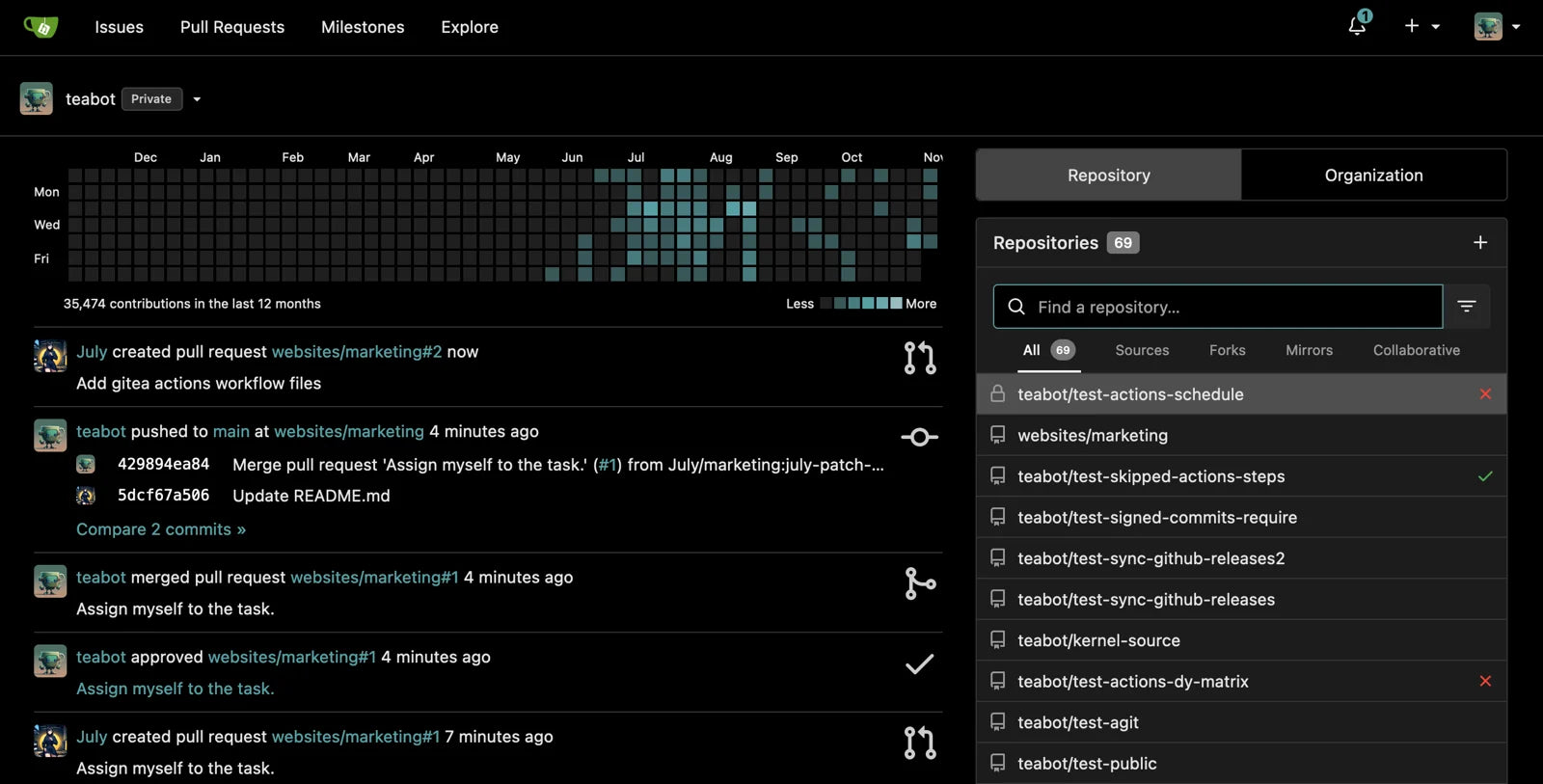
App Center availability and installation route
Checked on 18 November 2026: Zettlab D6 · RK3588 · 16GB RAM · ZettOS 1.14.0. The complete App Center list showed 49 entries. This observation applies to that device and catalog snapshot.
Not observed in the checked App Center. This guide does not provide a confirmed one-click NAS installation. Check the manual or external-host arrangement below against the exact image, release, CPU architecture, runtime, resources and data requirements. Absence from this catalog does not establish that the application is unsupported.
Installation, application operation, hardware acceleration and recovery on this NAS remain untested. Official Docker setup and persistent paths.
Choose the host and data paths
- Guide arrangement
- Conditional Docker project using a release image matching the host architecture; external Linux host when runtime or resources do not fit.
- NAS role
- May host a compatible container and its supported local data paths after checking the exact image, runtime and resource requirements; use the stated external-host alternative when needed.
- Host requirements
- The official standard/rootful image persists /data; rootless uses different paths and cannot be substituted just by changing the image name.
- Device validation
- Not observed in checked App Center; reference deployment untested. Installation, hardware acceleration and recovery on a Zettlab device have not been tested.

Conditionally supported application host
Application-specific persistent data
Consistent state + independent backup
This application was not observed in the checked D6 / ZettOS 1.14.0 App Center. The manual or external-host reference below requires its own compatibility checks; this observation does not establish that it is unsupported.
For a separate supported project, ZettOS documents Docker → Projects → + Create and YAML paste/import. Manage App Center installations in App Center. Match the exact image, data paths, permissions and ports before deployment.
Before you start
- Choose rootful or rootless once and preserve that choice. Select SQLite for a small local test or an explicitly configured supported database.
- Prepare /data ownership for the documented USER_UID/USER_GID when using bind mounts; choose web and SSH host ports that do not conflict with NAS administration.
- Record the service URL, SSH port and whether LFS, attachments or packages will be used.
Set up and use the reference arrangement
-
Start the official project
Adapt the official Compose, keep /data persistent and use the database service name rather than localhost for a sibling database container.
-
Finish the install wizard
Open the web endpoint, confirm the actual database and public URL, create the administrator and a separate normal developer account if appropriate.
-
Push a sample repository
Create a private test repository, add a README locally and push using an allowed HTTPS token or SSH key. Clone it into a second empty working directory.
-
Add state outside Git
Create one test issue and attachment so recovery will verify more than repository objects. If using LFS, include a small LFS object in the test.
-
Record the complete backup method
Stop the Gitea instance for the coordinated backup, as required by its official consistency guidance, and run the documented dump/native database tools with configuration, repositories and application data. Blocking web writes alone does not stop SSH pushes. Preserve app.ini secrets.
Check the first useful result
Keep the complete application state
- Repositories, application data including attachments/LFS, and app.ini configuration/secrets.
- A consistent database dump; PostgreSQL/MySQL native tools are preferred when appropriate.
- Compose, UID/GID, web/SSH ports and any external object storage in use.
Back up and bring it back
- Stop the Gitea instance while making the coordinated files/database backup; use native PostgreSQL/MySQL dumps where selected. Keep repositories, database and attachment/LFS/object storage in the same consistent recovery scope.
- Restore database, repositories, application data and config manually to the correct paths for the original image type; the docs do not provide a universal restore command.
- Restore ownership, regenerate Git hooks if paths/installation method changed, then clone and push the test repository and inspect its issue attachment.
Check limits and ongoing work
- A Git clone alone omits users, issues, attachments and server settings.
- Changing rootful to rootless requires a real path migration.
- Build runners and arbitrary CI execution are separate from a basic Git server and need separate resources/permissions.
Review release notes before updating. Keep the matching configuration and a consistent pre-update recovery set; a database migration may require restoring data with the matching software rather than simply using an older image.
Confirm the project’s current license and the exact free or paid feature boundaries for your intended task. Self-hosting does not make external APIs, cloud destinations or separate compute free.
Choose your NAS configuration
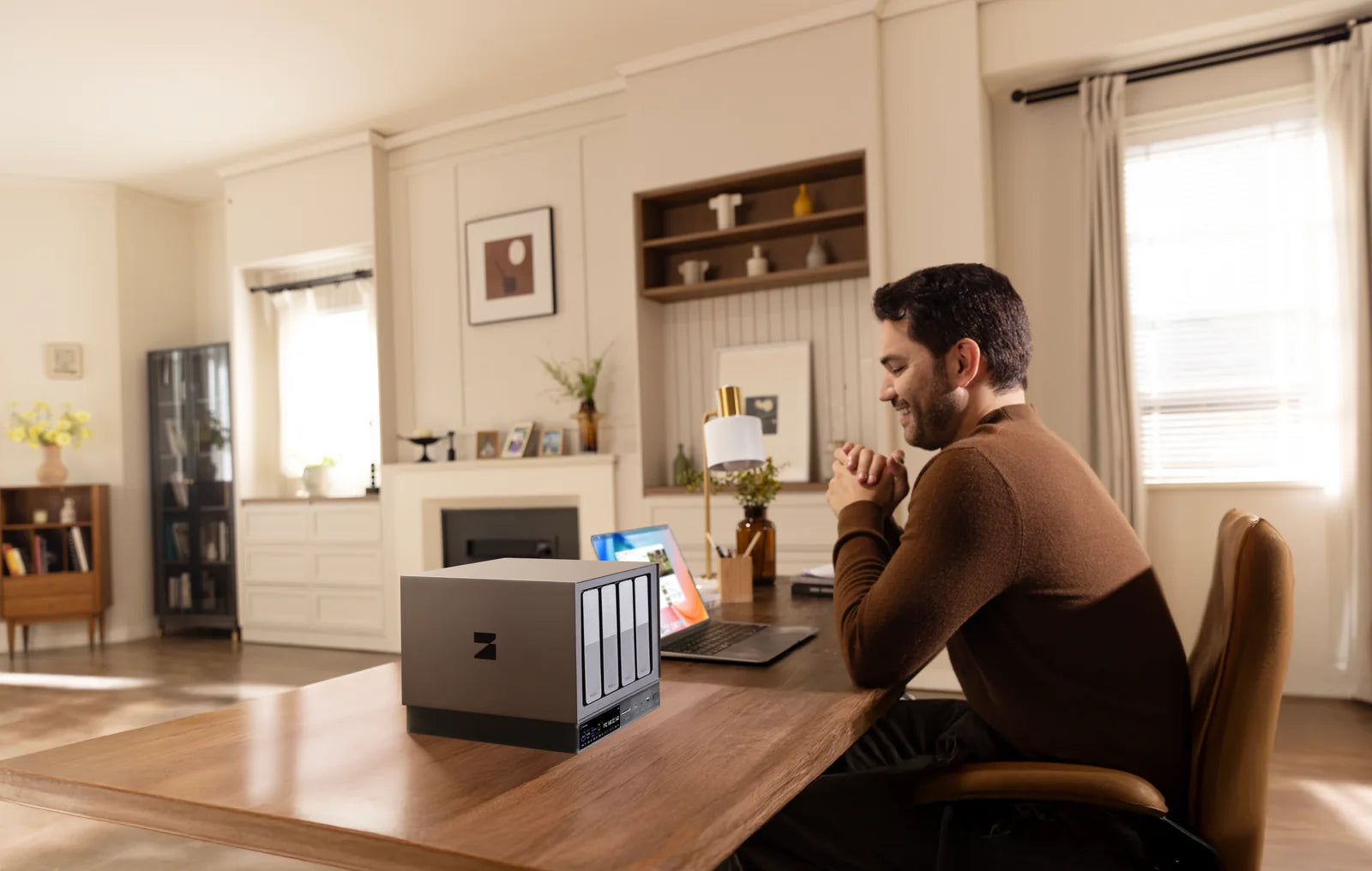
Choose drive bays for the archive and growth. Choose memory only after allowing for ZettOS, this application, databases and concurrently running services; 8GB/16GB are configuration choices, not tested application recommendations.
- D4 · 4 SATA bays
- Compare a four-drive layout against the current archive, expected growth and independent recovery copy. See the D4.
- D6 · 6 SATA bays
- Compare a six-drive layout when more drive-bay capacity or a different growth plan is useful. More bays do not establish a faster application or network. See the D6.
- 8GB / 16GB RAM
- These are separate SKU choices on each product page. Confirm the selected release’s requirements and combined operating load; no application-specific memory recommendation has been device-tested here.
- Complete system cost
- Enclosures are diskless. Allow for compatible drives, independent backup storage and any external application host, paid features or service/API charges required by the task. Current prices and delivery belong on the product page.
Official references
- Official Docker setup and persistent pathsDocumentation read 2026-11-18
- Official consistent backup and manual restorationDocumentation read 2026-11-18
- ZettOS Docker Projects
For Home
Plan Useful Home Server Workflows
Read the guide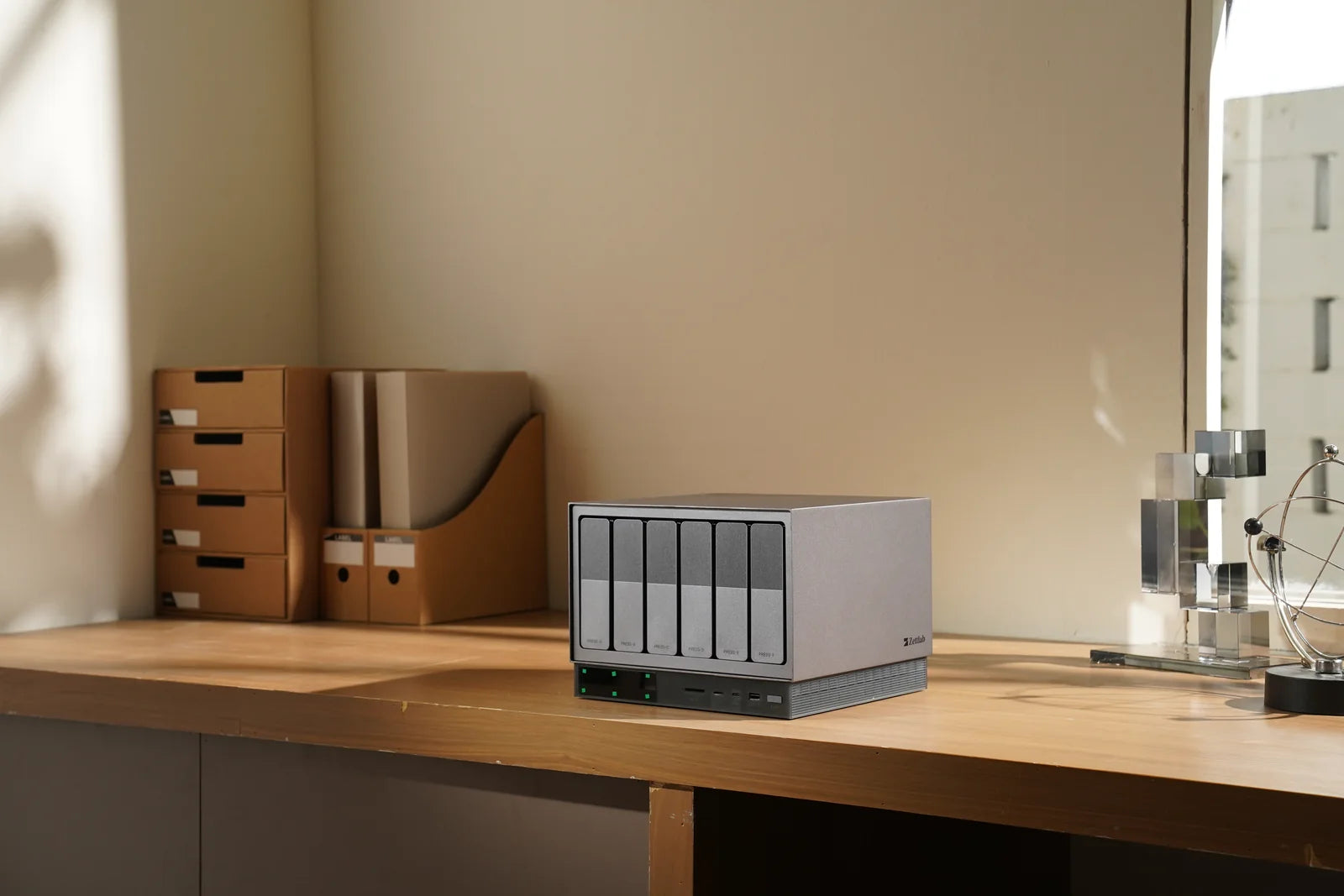
Basics