





What you can do
Give your services clear addresses and manage their TLS certificates.
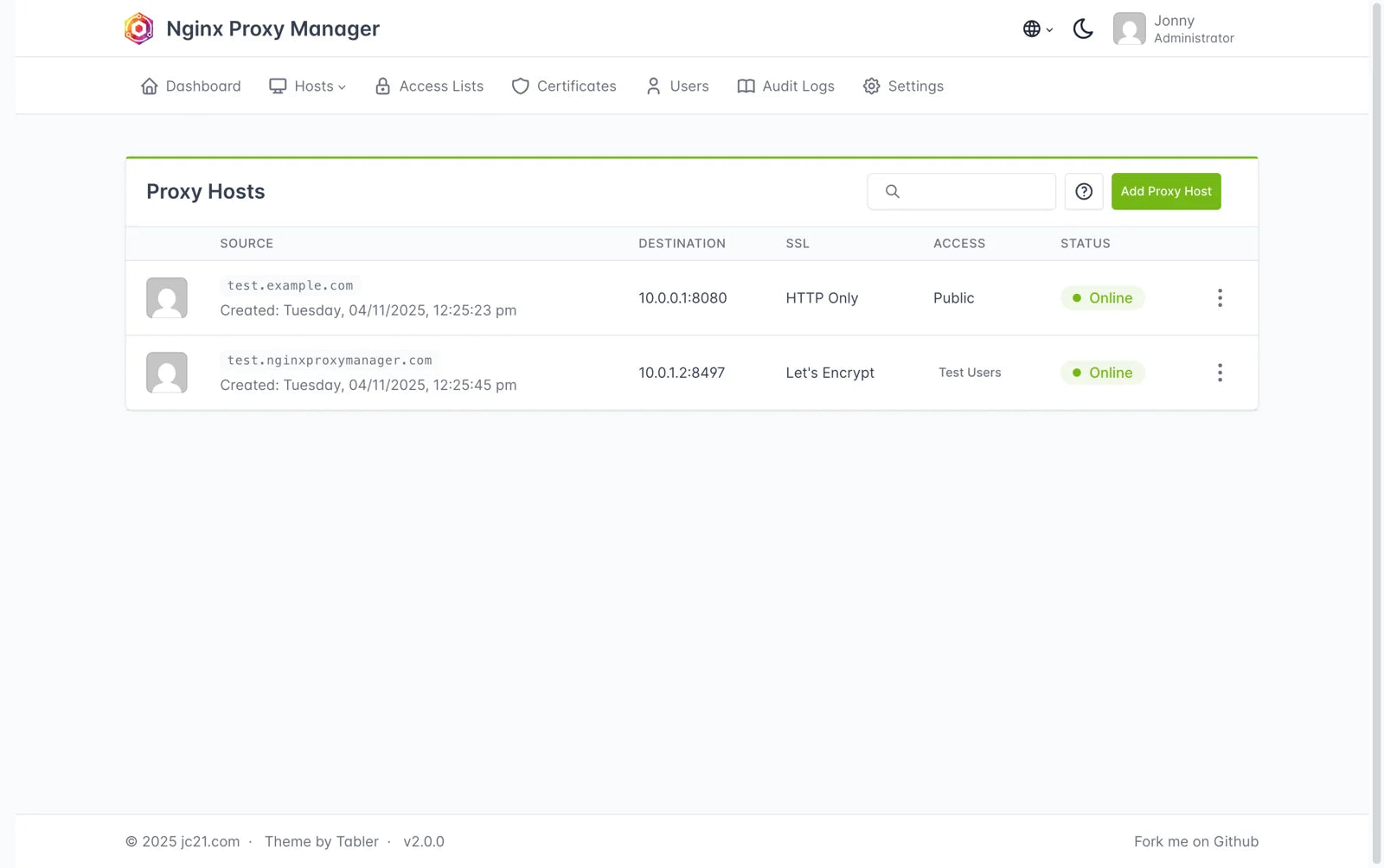
Give one test service a clear hostname and, where domain validation is available, a valid TLS certificate with a recoverable proxy configuration.
This is a third-party project, with its own host, release, maintenance and license conditions. Its features are separate from ZettOS native software.
App Center availability and installation route
Checked on 18 November 2026: Zettlab D6 · RK3588 · 16GB RAM · ZettOS 1.14.0. The complete App Center list showed 49 entries. This observation applies to that device and catalog snapshot.
Not observed in the checked App Center. This guide does not provide a confirmed one-click NAS installation. Check the manual or external-host arrangement below against the exact image, release, CPU architecture, runtime, resources and data requirements. Absence from this catalog does not establish that the application is unsupported.
Installation, application operation, hardware acceleration and recovery on this NAS remain untested. Official setup, storage and architectures.
Choose the host and data paths
- Guide arrangement
- Conditional Docker project on a host with the required web ports available; external host when NAS administration occupies them.
- NAS role
- May host a compatible container and its supported local data paths after checking the exact image, runtime and resource requirements; use the stated external-host alternative when needed.
- Host requirements
- The official image supports amd64 and arm64. The default small setup stores its SQLite/configuration data in /data and certificates in /etc/letsencrypt.
- Device validation
- Not observed in checked App Center; reference deployment untested. Installation, hardware acceleration and recovery on a Zettlab device have not been tested.

Conditionally supported application host
Application-specific persistent data
Consistent state + independent backup
This application was not observed in the checked D6 / ZettOS 1.14.0 App Center. The manual or external-host reference below requires its own compatibility checks; this observation does not establish that it is unsupported.
For a separate supported project, ZettOS documents Docker → Projects → + Create and YAML paste/import. Manage App Center installations in App Center. Match the exact image, data paths, permissions and ports before deployment.
Before you start
- Choose a test hostname you control and identify the target service address and port as seen from the proxy container.
- Check conflicts on the chosen HTTP/HTTPS listeners and admin port 81. Plan DNS resolution separately from the proxy rule.
- For public certificates, choose a documented challenge method with its required DNS/provider or inbound connectivity; local testing does not require publishing the NAS admin interface.
Set up and use the reference arrangement
-
Start the minimal proxy project
Use the official Compose with persistent /data and /etc/letsencrypt. Keep the admin UI reachable only through the intended administration network.
-
Initialize the administrator
Open the mapped admin port 81, complete the version’s initial account flow and save the new administrator credentials.
-
Create one Proxy Host
Set the test domain, forward scheme, hostname/IP and target port. Configure WebSocket support only if that backend requires it; resolve the test domain to the proxy host.
-
Add and inspect TLS
Request or import a certificate using the selected supported method, then test the hostname from a client. Check certificate name and expiry and inspect proxy/backend logs.
-
Practice a reversible backend change
Temporarily change the test upstream to an unused port, observe the failure, then restore the known-good target. Record the working DNS, port and certificate setup.
Check the first useful result
Keep the complete application state
- /data, including the default SQLite database and generated JWT/configuration state.
- /etc/letsencrypt certificates, keys and renewal configuration.
- Compose, DNS/provider records and protected provider credentials; include an external database backup if used.
Back up and bring it back
- Stop the default SQLite-based project for a consistent copy of /data and certificate files; coordinate a native dump if using an external database.
- Restore to a matching isolated proxy instance and verify its listeners will not conflict with the existing proxy.
- Check the saved Proxy Host, certificate and renewal method, then test one backend before switching DNS or traffic.
Check limits and ongoing work
- A reverse proxy does not by itself authenticate the upstream or secure a weak application.
- Public certificate renewal depends on the selected challenge and continued domain control.
- Current upstream images support amd64 and arm64; armv7 was removed from version 2.14 onward. Verify the exact selected release/platform rather than using an obsolete armv7 image as a compatibility fix.
Review release notes before updating. Keep the matching configuration and a consistent pre-update recovery set; a database migration may require restoring data with the matching software rather than simply using an older image.
Confirm the project’s current license and the exact free or paid feature boundaries for your intended task. Self-hosting does not make external APIs, cloud destinations or separate compute free.
Add NAS storage if needed
Nginx Proxy Manager does not itself require a multi-bay NAS. Choose D4 or D6 only if you also need shared file archives or independent backup destinations. Base drive bays on those files and their growth; application configuration and logs do not by themselves justify a larger enclosure. Check the supported service host and its resources separately.
- D4 · 4 SATA bays
- Compare a four-drive layout against the current archive, expected growth and independent recovery copy. See the D4.
- D6 · 6 SATA bays
- Compare a six-drive layout when more drive-bay capacity or a different growth plan is useful. More bays do not establish a faster application or network. See the D6.
- 8GB / 16GB RAM
- These are separate SKU choices on each product page. Confirm the selected release’s requirements and combined operating load; no application-specific memory recommendation has been device-tested here.
- Complete system cost
- Enclosures are diskless. Allow for compatible drives, independent backup storage and any external application host, paid features or service/API charges required by the task. Current prices and delivery belong on the product page.
Official references
- Official setup, storage and architecturesDocumentation read 2026-11-18
- Official guide and admin/proxy workflowDocumentation read 2026-11-18
- ZettOS Docker Projects
For Home
Plan Useful Home Server Workflows
Read the guide
Basics