





What you can do
Copy and verify files between storage services as one component of a backup routine.
Copy a selected folder between NAS-accessible storage and a remote service, then verify it. Decide copy versus sync before adding deletion behavior to any schedule.
This is a third-party project, with its own host, release, maintenance and license conditions. Its features are separate from ZettOS native software.
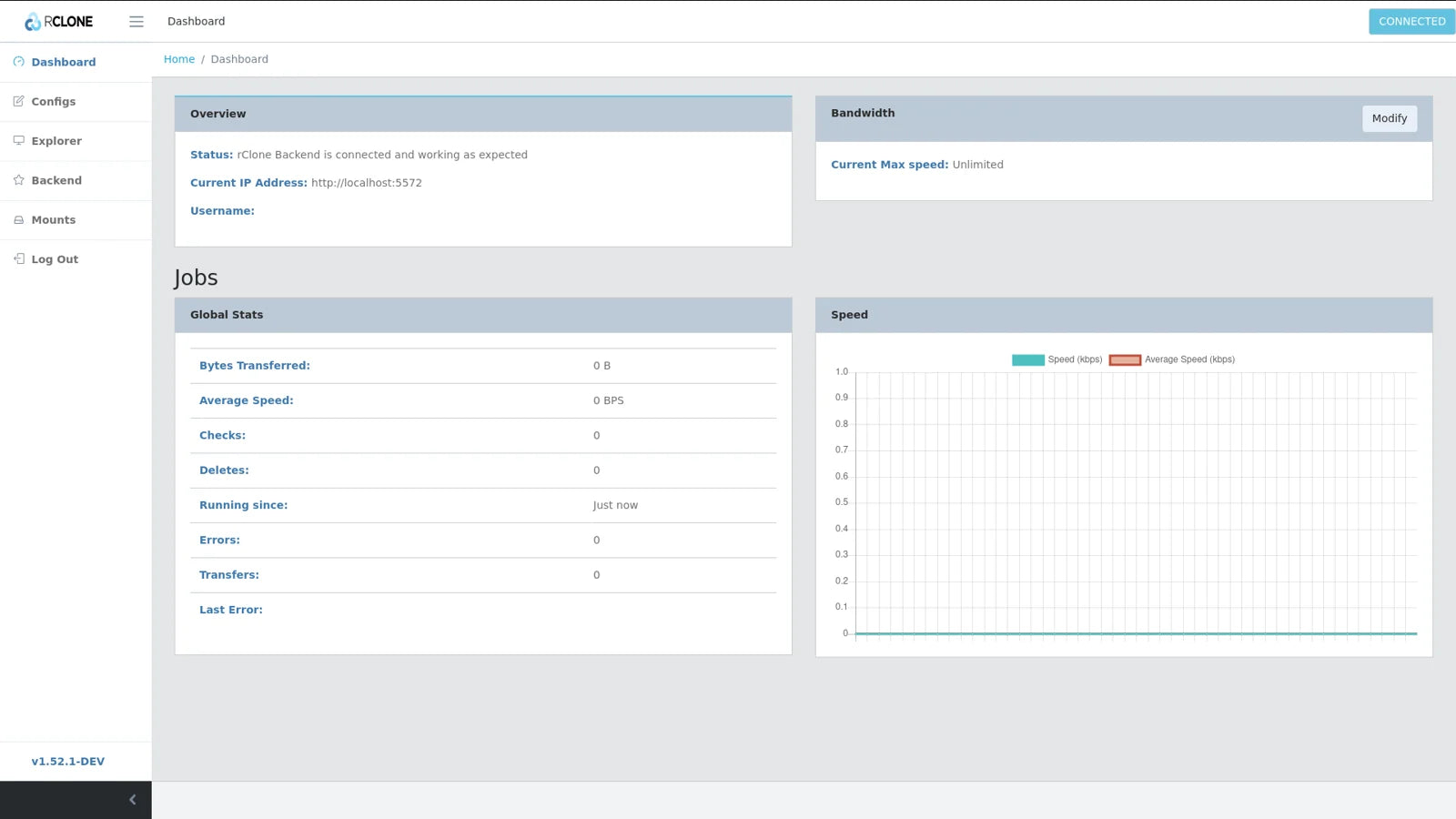
App Center availability and installation route
Checked on 18 November 2026: Zettlab D6 · RK3588 · 16GB RAM · ZettOS 1.14.0. The complete App Center list showed 49 entries. This observation applies to that device and catalog snapshot.
Not observed in the checked App Center. This guide does not provide a confirmed one-click NAS installation. Check the manual or external-host arrangement below against the exact image, release, CPU architecture, runtime, resources and data requirements. Absence from this catalog does not establish that the application is unsupported.
Installation, application operation, hardware acceleration and recovery on this NAS remain untested. copy preserves extra destination files.
Choose the host and data paths
- Guide arrangement
- Computer or external transfer host
- NAS role
- Act as a mounted source or a repository/destination according to the chosen direction. Keep the only source and only recovery copy in different failure locations.
- Host requirements
- Run the official client on a supported computer that can read the NAS share and authenticate to the destination. This guide needs no unverified NAS container, App Center package or ZettOS shell access.
- Device validation
- Not observed in checked App Center; reference deployment untested. Installation, hardware acceleration and recovery on a Zettlab device have not been tested.

Supported computer / transfer host
NAS source or backup repository
Versioned / verified independent copy
This application was not observed in the checked D6 / ZettOS 1.14.0 App Center. The manual or external-host reference below requires its own compatibility checks; this observation does not establish that it is unsupported.
Before you start
- Choose a small disposable source and an empty remote test prefix rather than an existing production bucket/folder.
- Configure the destination using rclone’s documented backend setup and obtain credentials with the required scope.
- Record source/destination direction and which provider hash/check methods are available.
Set up and use the reference arrangement
-
Prove the direction without writing
Run rclone copy <sample-source> <remote:test-prefix> --dry-run and inspect the full source and destination. Replace the placeholders with the configured remote name and selected paths.
-
Make the first copy
Run the same copy command without --dry-run, observe exit status/logs and browse the remote destination. copy skips matching files and does not delete extra destination files.
-
Verify contents
Run rclone check between the same source/destination. The command compares supported hashes and sizes without changing either side; use the documented --download mode if hash support is insufficient and account for its traffic.
-
Test sync only on disposable data
Add an extra destination file, compare copy with sync --dry-run and inspect the deletion it proposes. Decide whether a retained/versioned destination or --backup-dir is needed before any real sync schedule.
Check the first useful result
Keep the complete application state
- rclone configuration and protected provider credentials/OAuth tokens.
- Client-side crypt passwords/salts if a crypt remote is later chosen; those are separate from provider login.
- The actual destination files/version history and job filters/direction; logs alone are not a file backup.
Back up and bring it back
- On a clean client restore configuration/credentials and list the remote without running sync.
- Copy selected destination files back into a separate restore folder, preserving the original remote copy.
- Verify recovered content with the appropriate check method; recover deletion history from retained versions/backups, not from an overwritten sync mirror.
Check limits and ongoing work
- sync may delete destination files to match the source; copy does not provide a historic version archive by itself.
- Provider APIs, quotas, egress and hash availability differ.
- A successful transfer/check is one component of backup, not proof of independent long-term recovery.
Review release notes before updating. Keep the matching configuration and a consistent pre-update recovery set; a database migration may require restoring data with the matching software rather than simply using an older image.
Confirm the project’s current license and the exact free or paid feature boundaries for your intended task. Self-hosting does not make external APIs, cloud destinations or separate compute free.
Choose your NAS configuration
Size the NAS for source growth or repository history, depending on the chosen direction. This application runs on the supported computer in the reference guide.
- D4 · 4 SATA bays
- Compare a four-drive layout against the current archive, expected growth and independent recovery copy. See the D4.
- D6 · 6 SATA bays
- Compare a six-drive layout when more drive-bay capacity or a different growth plan is useful. More bays do not establish a faster application or network. See the D6.
- 8GB / 16GB RAM
- These are separate SKU choices on each product page. Confirm the selected release’s requirements and combined operating load; no application-specific memory recommendation has been device-tested here.
- Complete system cost
- Enclosures are diskless. Allow for compatible drives, independent backup storage and any external application host, paid features or service/API charges required by the task. Current prices and delivery belong on the product page.
Official references
- copy preserves extra destination filesDocumentation read 2026-11-18
- sync deletion behavior and dry runDocumentation read 2026-11-18
- Verification methods without modifying filesDocumentation read 2026-11-18
For Home
NAS Backup and Restore: Prove You Can Recover
Read the guide
Backup & migration