





What you can do
Host a password vault with a defined access and recovery routine.
Operate a small test password vault with secure client access and a recovery set containing the database, attachments and server state.
This is a third-party project, with its own host, release, maintenance and license conditions. Its features are separate from ZettOS native software.
App Center availability and installation route
Checked on 18 November 2026: Zettlab D6 · RK3588 · 16GB RAM · ZettOS 1.14.0. The complete App Center list showed 49 entries. This observation applies to that device and catalog snapshot.
Not observed in the checked App Center. This guide does not provide a confirmed one-click NAS installation. Check the manual or external-host arrangement below against the exact image, release, CPU architecture, runtime, resources and data requirements. Absence from this catalog does not establish that the application is unsupported.
Installation, application operation, hardware acceleration and recovery on this NAS remain untested. Official Compose, DOMAIN and registration settings.
Choose the host and data paths
- Guide arrangement
- Conditional container on a verified host behind HTTPS; external Linux host if NAS TLS or persistent database requirements are unresolved.
- NAS role
- May host a compatible container and its supported local data paths after checking the exact image, runtime and resource requirements; use the stated external-host alternative when needed.
- Host requirements
- Vaultwarden is a separate community server implementation. Use its own official image/wiki, and validate the chosen Bitwarden clients rather than treating it as an official Bitwarden service.
- Device validation
- Not observed in checked App Center; reference deployment untested. Installation, hardware acceleration and recovery on a Zettlab device have not been tested.

Conditionally supported application host
Application-specific persistent data
Consistent state + independent backup
This application was not observed in the checked D6 / ZettOS 1.14.0 App Center. The manual or external-host reference below requires its own compatibility checks; this observation does not establish that it is unsupported.
For a separate supported project, ZettOS documents Docker → Projects → + Create and YAML paste/import. Manage App Center installations in App Center. Match the exact image, data paths, permissions and ports before deployment.
Before you start
- Use test secrets only for the first setup. Choose a real HTTPS access URL or the project’s documented localhost testing arrangement.
- Prepare persistent /data and a matching DOMAIN when using a reverse proxy. Keep the live SQLite directory on reliable local storage.
- Decide who can register, how master-password recovery materials are kept, and how encrypted independent backups will be accessed.
Set up and use the reference arrangement
-
Deploy with durable state
Adapt the official Compose for vaultwarden/server and map /data. Configure the reverse proxy/HTTPS endpoint and DOMAIN consistently before connecting real clients.
-
Create one test account
Register the intended user, then restrict further registrations according to the documented SIGNUPS_ALLOWED setting. Keep the administrator interface separate if enabled.
-
Connect two test clients
Set both clients’ server URL to the chosen endpoint, save a dummy login, sync and verify it on the second client.
-
Exercise attachments and access
Add a small test attachment if the chosen client/feature supports it, lock/unlock the vault and verify that accounts remain separated.
-
Create the full recovery set
For SQLite on a supporting Vaultwarden release (1.32.1 or later), use the built-in /vaultwarden backup command for a consistent database backup, or stop cleanly for a whole-/data copy. Coordinate attachments, any Sends you need, configuration and signing keys with the database. The image does not include sqlite3 or cron by default. Use only dummy vaults for this recovery exercise.
Check the first useful result
Keep the complete application state
- Consistent db.sqlite3 backup and any required SQLite transaction state according to the chosen method.
- attachments, sends, config.json and rsa_key files in /data; icon cache is separately disposable.
- Compose, DOMAIN/TLS configuration, protected admin settings and independent user recovery material.
Back up and bring it back
- Follow the official database backup procedure; when using the simple stopped-service route, copy the entire /data directory after clean shutdown.
- Restore into a stopped, matching isolated server with an empty target and its own test endpoint. A generated .backup/VACUUM INTO database must not meet a stale mismatched db.sqlite3-wal; a straight copied database with its matching WAL must instead be restored as a pair. Preserve the original recovery set unchanged.
- Sign in with the test client and verify a vault item, attachment and a fresh sync before trusting the recovery procedure.
Check limits and ongoing work
- A raw live db.sqlite3 copy can omit transactions; use a consistent backup method.
- Server backups do not replace user master passwords and required recovery keys.
- Protect backups because they can include configuration secrets in addition to encrypted vault data.
Review release notes before updating. Keep the matching configuration and a consistent pre-update recovery set; a database migration may require restoring data with the matching software rather than simply using an older image.
Confirm the project’s current license and the exact free or paid feature boundaries for your intended task. Self-hosting does not make external APIs, cloud destinations or separate compute free.
Add NAS storage if needed
Vaultwarden does not itself require a multi-bay NAS. Choose D4 or D6 only if you also need shared file archives or independent backup destinations. Base drive bays on those files and their growth; application configuration and logs do not by themselves justify a larger enclosure. Check the supported service host and its resources separately.
- D4 · 4 SATA bays
- Compare a four-drive layout against the current archive, expected growth and independent recovery copy. See the D4.
- D6 · 6 SATA bays
- Compare a six-drive layout when more drive-bay capacity or a different growth plan is useful. More bays do not establish a faster application or network. See the D6.
- 8GB / 16GB RAM
- These are separate SKU choices on each product page. Confirm the selected release’s requirements and combined operating load; no application-specific memory recommendation has been device-tested here.
- Complete system cost
- Enclosures are diskless. Allow for compatible drives, independent backup storage and any external application host, paid features or service/API charges required by the task. Current prices and delivery belong on the product page.
Official references
- Official Compose, DOMAIN and registration settingsDocumentation read 2026-11-18
- Official vault backup contents and consistent database methodDocumentation read 2026-11-18
- ZettOS Docker Projects
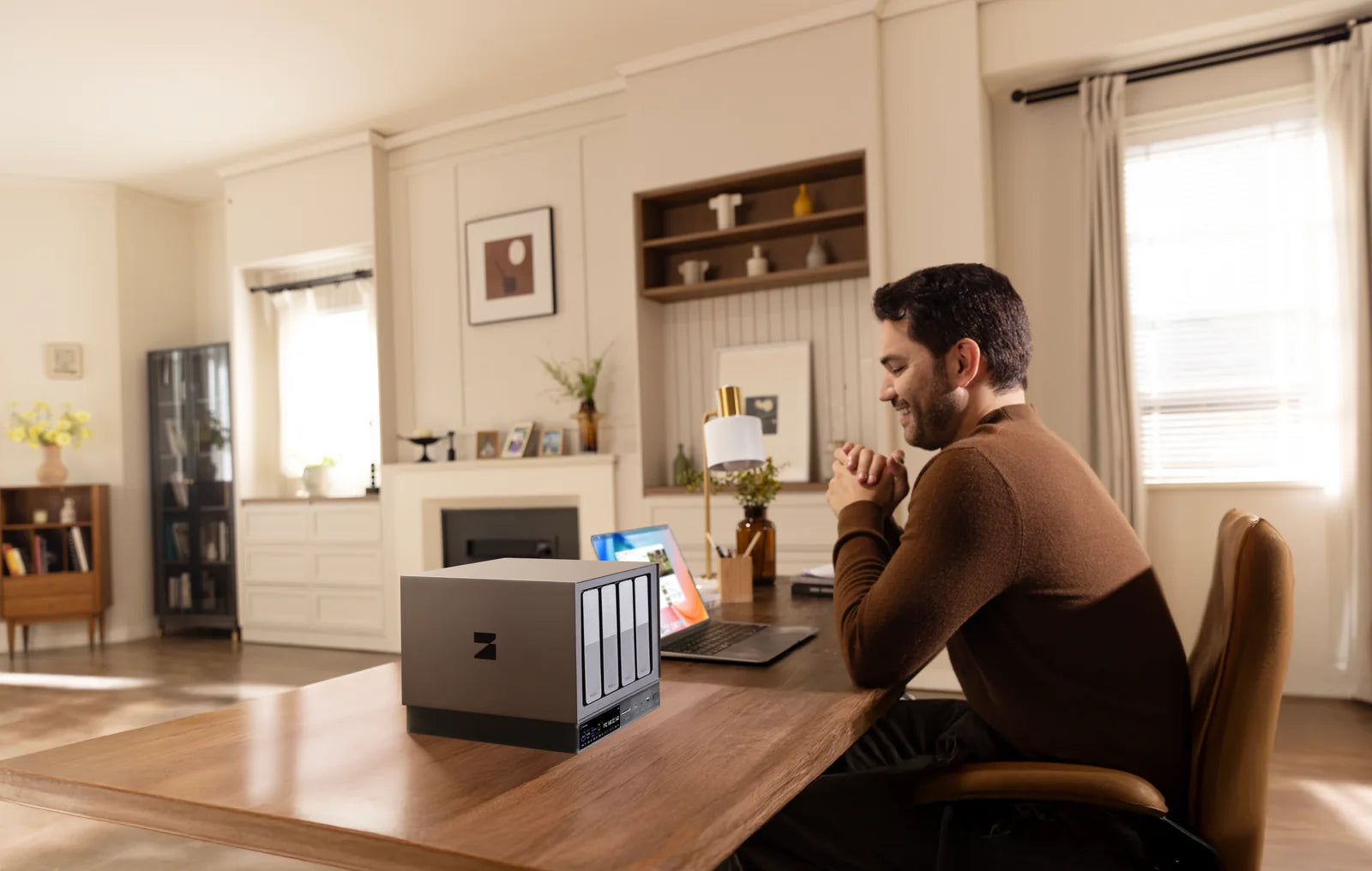
For Home
Plan Useful Home Server Workflows
Read the guide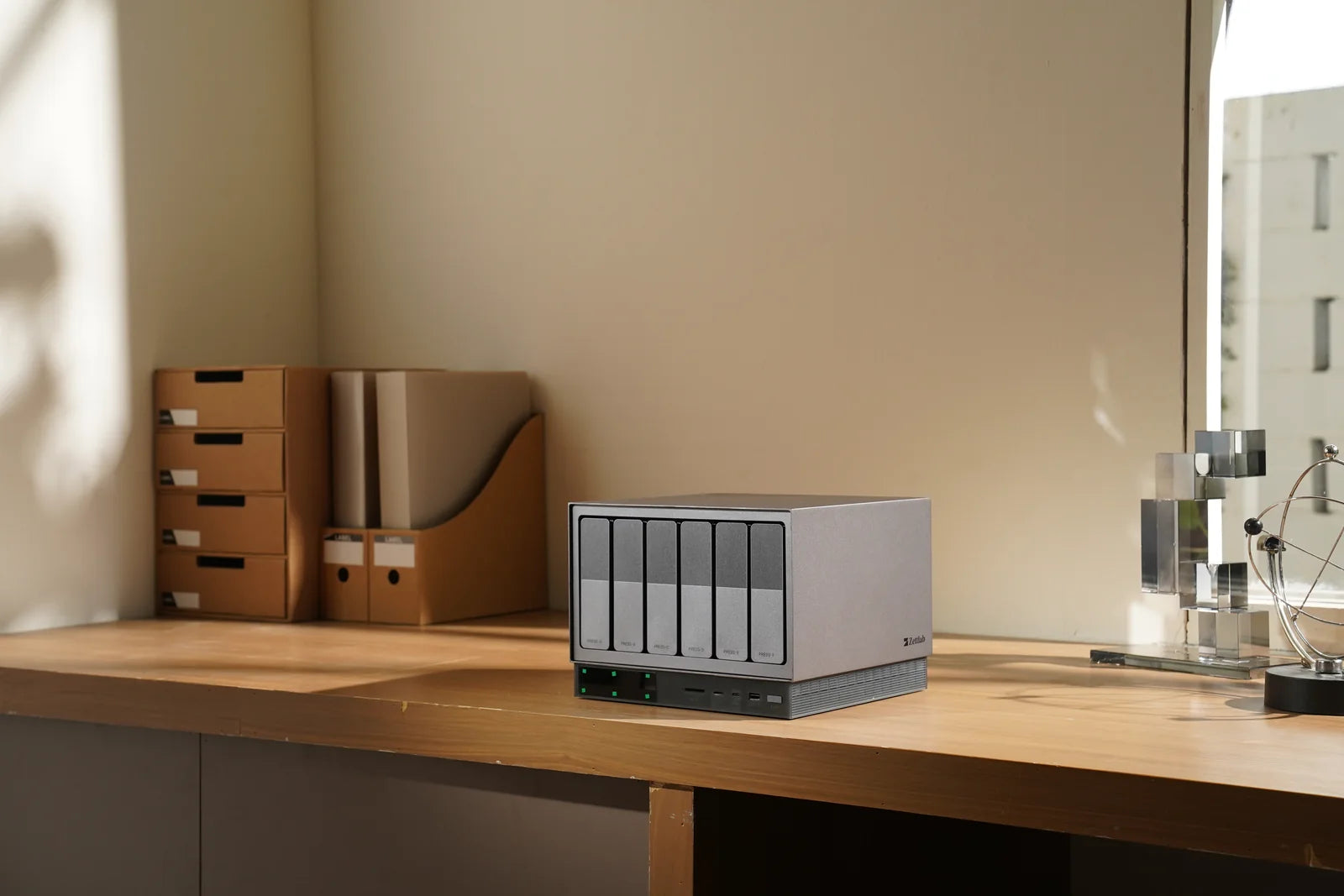
Basics