




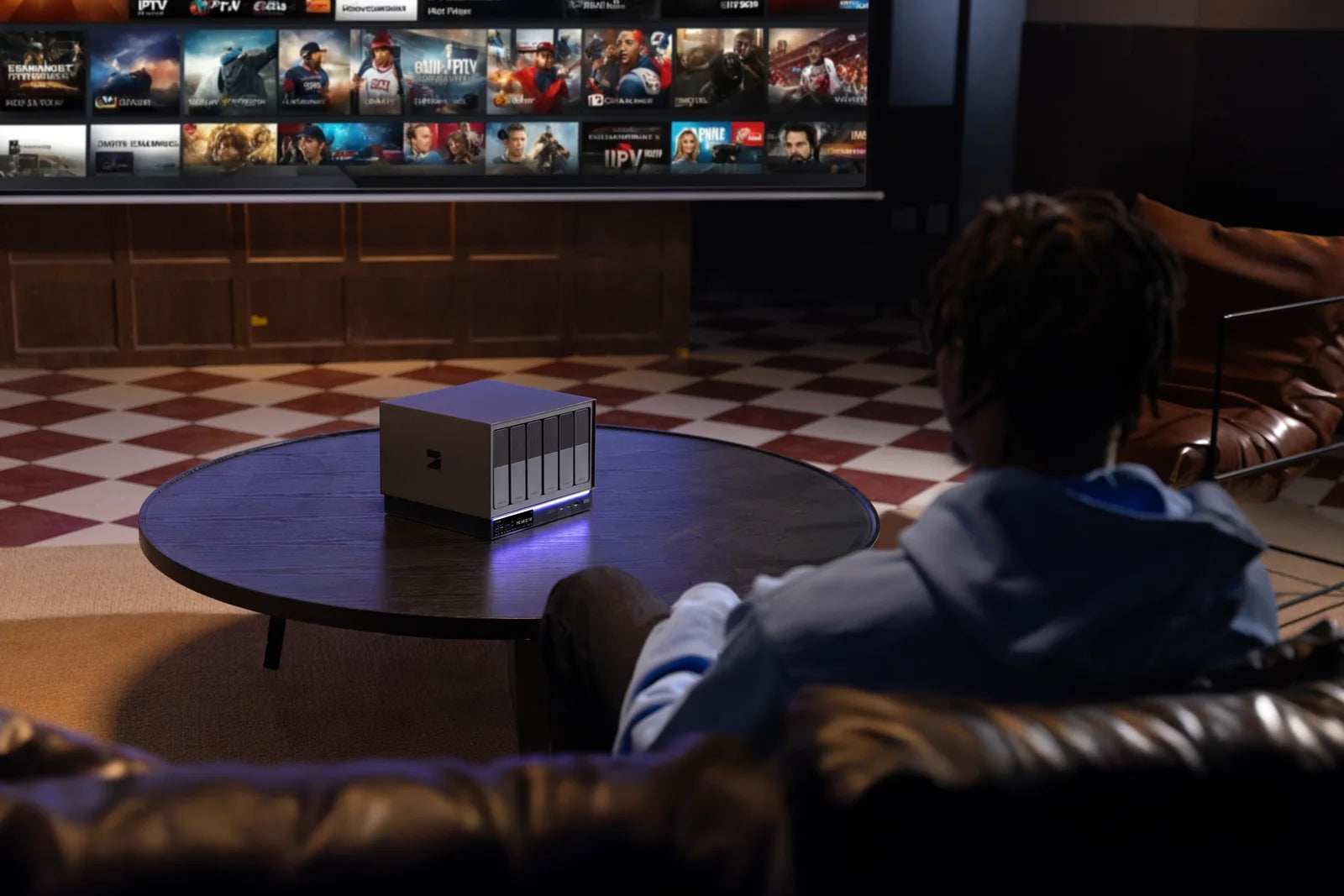
Start with the way you want to listen or watch
A media archive and a playback service solve different problems. The NAS keeps selected files; an application indexes them and serves a particular client. Choose one task below, use a small collection you own or may use, and establish a repeatable import and recovery routine before moving the whole library.
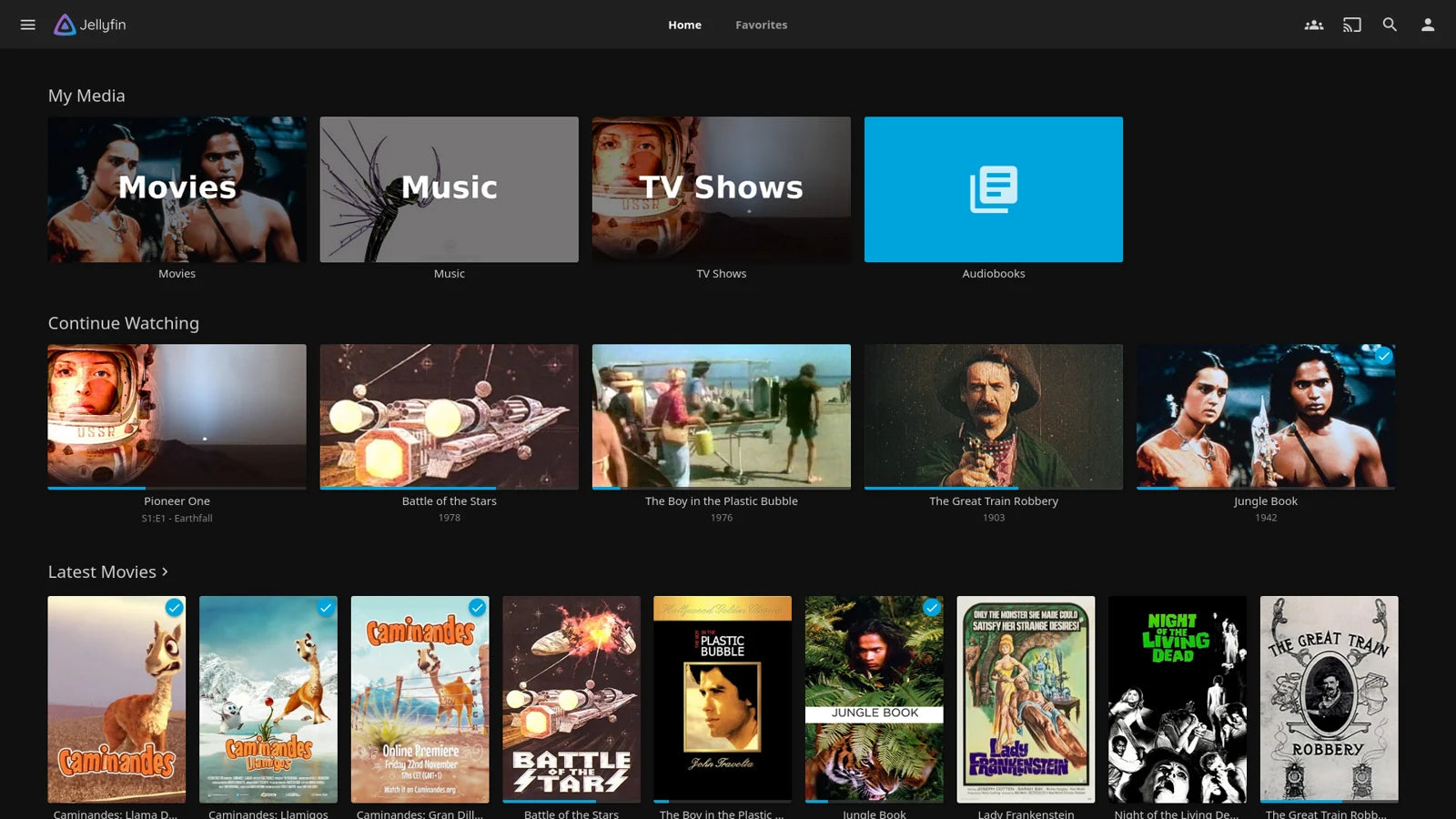
- Films and televisionJellyfin or Plex, with a tested playback client.
- MusicNavidrome, using correctly tagged audio.
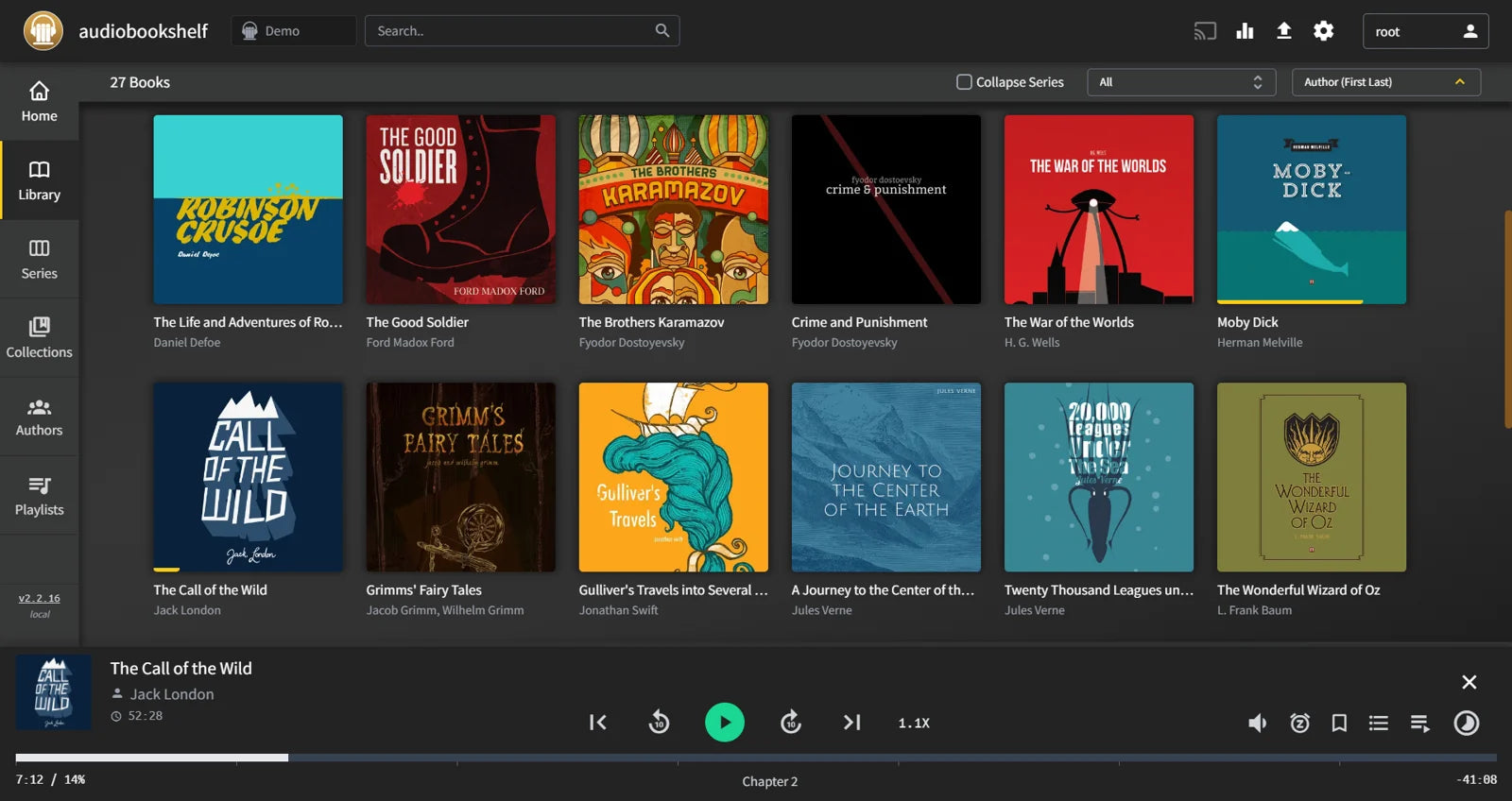
- AudiobooksAudiobookshelf, preserving listening progress.
- Completed downloadsa separate intake stage before anything enters a library.
Build a video library around a real playback client
Start with two known videos, including the audio and subtitle formats you use. Keep the originals in a clearly named media folder. Follow the Jellyfin guide or Plex guide; choose one server first. Keep server configuration and database paths distinct from the media folder.
Play the samples on the actual television, browser or phone. Check sound, subtitles and seeking, then inspect whether the server used direct play or transcoding. A file playing on one client does not establish that another client, or this NAS, can transcode it. Use Jellyfin’s naming guidance when the wrong title appears. Keep playback troubleshooting separate from buying more drive bays.
Keep music tags and playlists understandable
Give Navidrome a small, tagged album collection. Check artist, album and track order before broadening the scan. Read-only access to music can reduce accidental changes; the application still needs its own writable data directory.
Play a track, create a test playlist and note its play count. Restart the service and confirm both remain. Copying the music alone does not preserve playlists and listening history: include Navidrome’s database in the recovery set. Its automated backup documentation distinguishes database backups from the music files.
Make listening progress part of the library
In Audiobookshelf, begin with one correctly organized book and a test listener. Listen for a few minutes, then resume on a second supported client. Check that the selected account, book and position agree.
Preserve the books and the application’s configuration and metadata paths. A server backup may preserve progress without containing the source audio; record that boundary. Prove a compatible restore can return the test listener’s position before treating the library as dependable.
Treat downloads as an intake queue
qBittorrent’s reference route uses a separate Linux download host with deliberately mounted NAS storage. Use an authorized sample, separate incomplete and complete folders, and verify the finished file before moving it into the appropriate library.
Test a controlled restart and missing-mount handling. A download completing does not prove correct metadata, successful playback or an independent backup. Avoid letting several services rename or move the same active download directory.
Recover the files and the experience
Write down the chosen server version, host, media mounts, accounts and application-state paths. Coordinate database and media backups using that application’s instructions, then keep an independent copy. Restore a small library into an isolated instance: open the original, check a playlist or listening position, and verify normal-user access.
Use the NAS backup and restore workflow for retention and recovery checks. A RAID layout can improve availability after some drive failures; it does not restore deleted media or a damaged application database.
Choose storage after measuring the collection
Measure the current archive, expected growth and independent-copy space. Compare D4 and D6 by drive-bay needs and allow separately for any external server. Use the capacity calculator for theoretical array space. Choose RAM around the verified application workload; neither 8GB nor 16GB is a playback or transcoding guarantee.
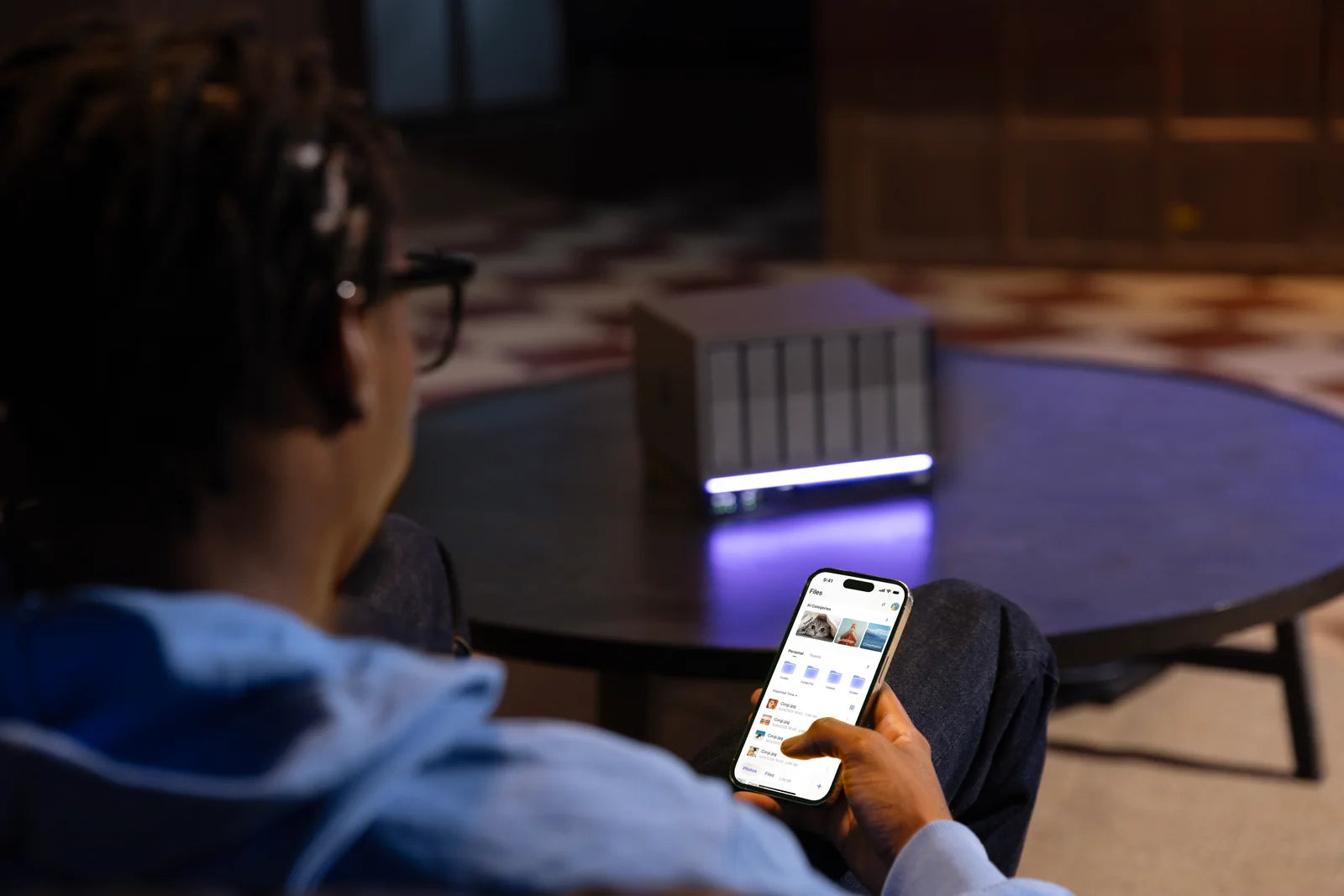

Third-party apps
Jellyfin with NAS: Setup, Use and Recovery
Read the guide
Third-party apps