





Choose the collection, then the application
A useful personal library starts with something you want to return to: a receipt, a book, a saved article, a note or a recipe. These collections need different software and recovery data. Choose one route below; you do not need to install every application or move the same files through all of them.
Turn a few documents into a usable archive
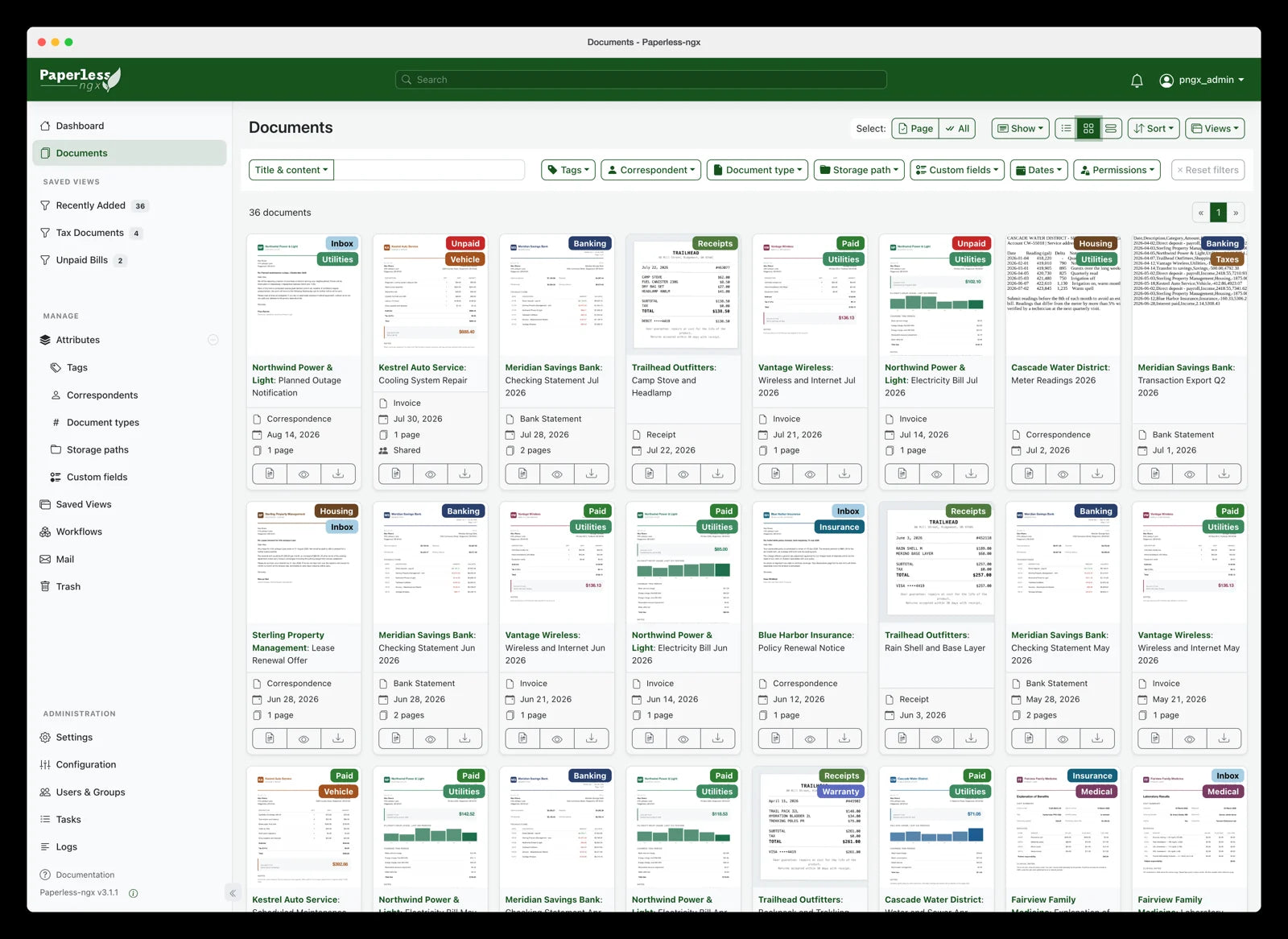
Start Paperless-ngx with three non-sensitive PDFs or scans. Choose the appropriate OCR language, add a tag and correspondent, and search for a word whose location you know. Download the original and check that it is the expected file. OCR can miss text; keep the source and inspect important details.
Record the selected application release and its database dependencies. Test an exporter/importer recovery in an empty compatible instance. Preserving only the PDFs loses the relationships that make the archive useful; preserve the documented application state too.
Build a reading library without confusing the catalogs
Calibre-Web browses an existing Calibre library with its metadata database. Kavita uses its own library types and scanning rules for comics and ebooks. Choose the arrangement fitting the collection; they are not interchangeable database frontends.
Try a known book or short series as a normal reader. Check cover, order, permissions and the actual reading client. Make a shelf or record a reading position, then confirm it survives a compatible restore. Save source books separately from each service’s configuration, accounts and reading state.
Separate subscriptions from preserved research
Use FreshRSS for subscriptions and ongoing reading. Add a feed, mark an item read and another as a favorite, then export OPML. OPML preserves the subscription list; it does not replace a full backup of accounts, read state and database.
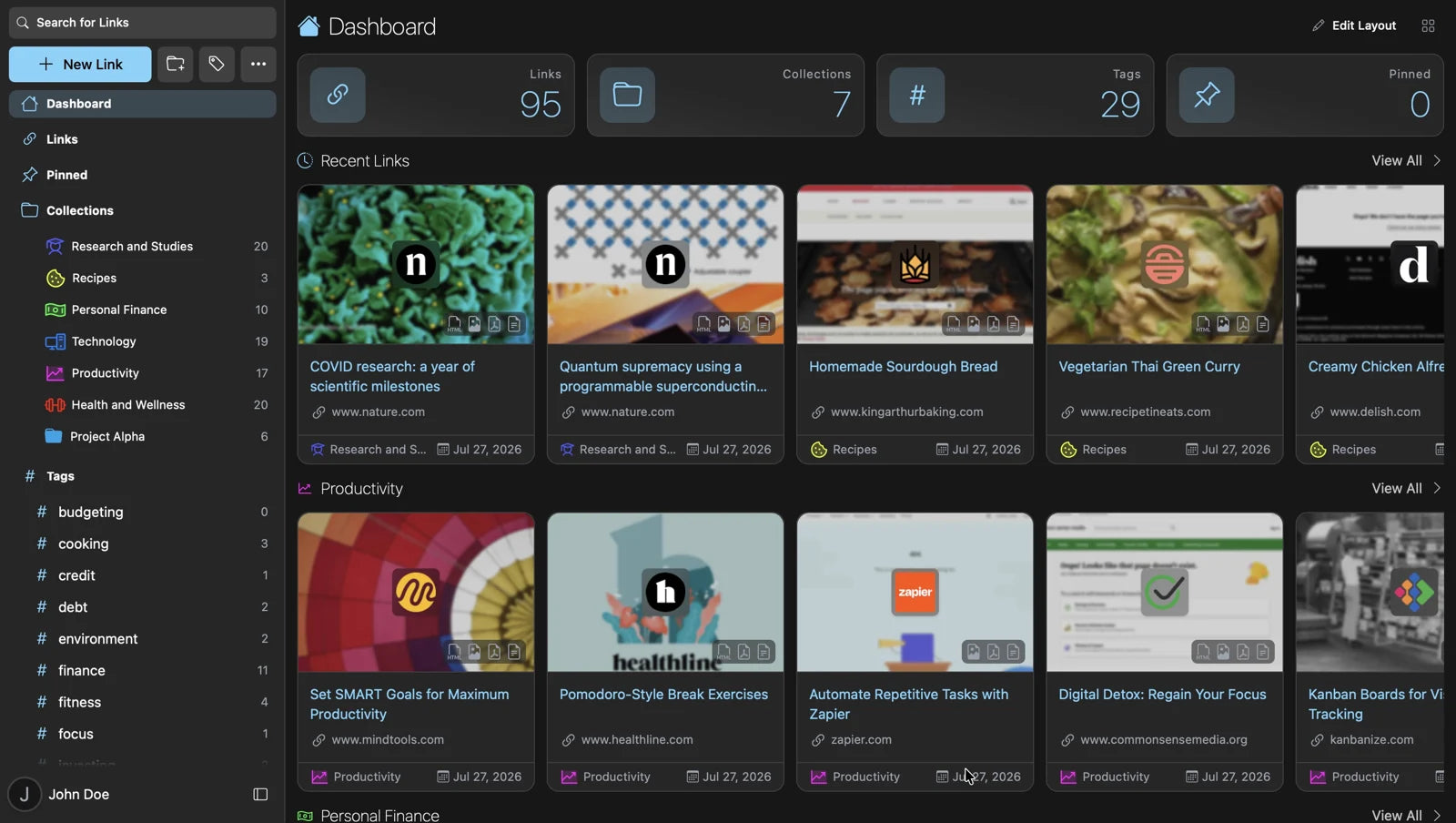
Use Linkwarden for selected research links, tags and captured copies. Save three permitted pages in a named collection and open an actual captured copy. A bookmark is not proof that every page, attachment or protected site was archived. Keep the application database and documented storage together.
Check both synchronization and independent recovery
For Joplin Server, choose a supported server image and database, then connect two Joplin clients. Synchronize a harmless note with a tag and attachment; edit it on the second device and check the intended result on the first.
Export a JEX and reimport it into a separate test profile. Follow the official import and export guide. A client export and a server backup cover different state; document both. Synchronization can propagate mistakes and deletions, so it is not the independent recovery copy.
Make recipes useful at the kitchen table
Start Mealie with three permitted recipes. Check ingredient amounts, units and instructions after import; a successful import is not a guarantee that the recipe was interpreted correctly. Add the recipes to a small meal plan and inspect the resulting shopping list.
The NAS reference route uses PostgreSQL. Keep database and recipe-image recovery coordinated; the separately documented SQLite route has storage restrictions. Restore the test recipes and household accounts before expanding. Preserve your own corrections rather than relying on the original web page staying available.
Keep a recovery note for the whole collection
List the files, database, configuration, application version and protected credentials for the route you chose. Keep independent, versioned recovery copies; exports are useful but may omit accounts or server configuration. In a separate instance, test a search, reading position, saved copy, note attachment or recipe according to the collection.
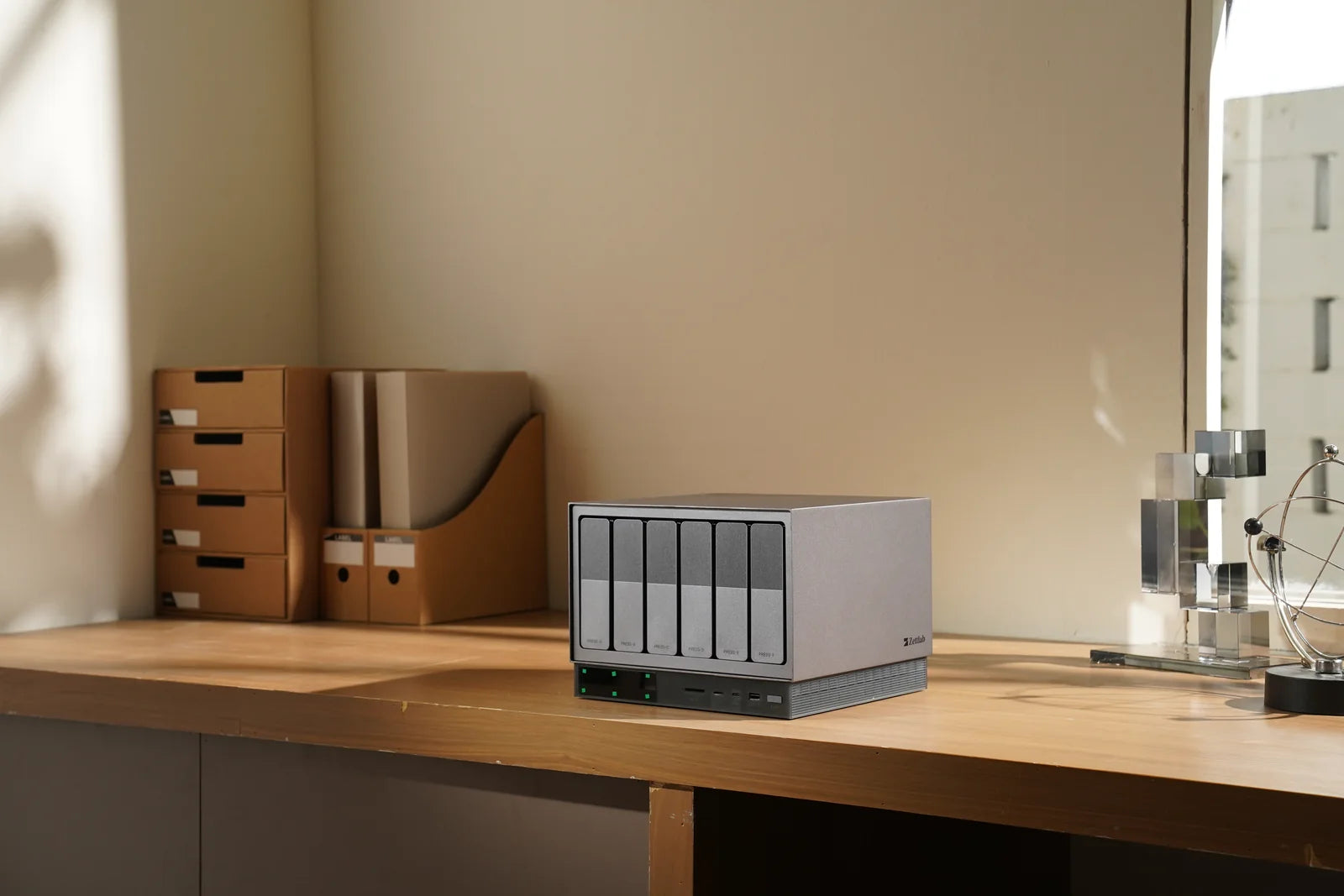
Use the backup and restore workflow to turn that check into a routine. Choose D4 or D6 around retained files and growth, allowing separately for drives, backups and an external application host when required. A small collection does not need a larger NAS merely because it has several application names.

Third-party apps
Paperless-ngx with NAS: Setup, Use and Recovery
Read the guide
Third-party apps